Connecting Axis to your phone
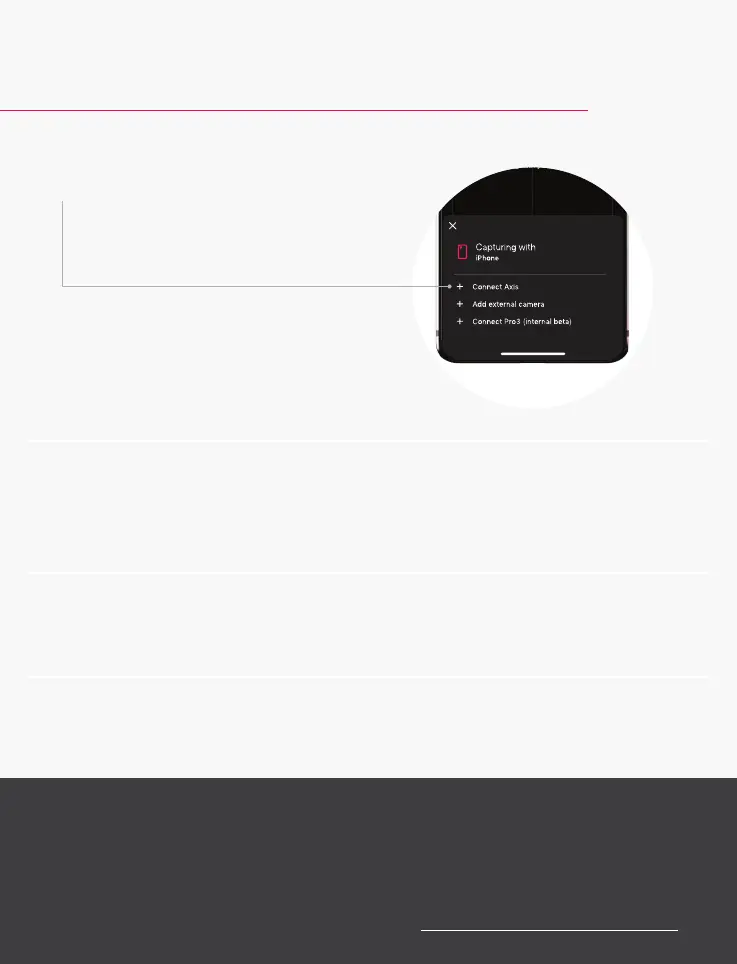
4 Select “Connect Axis” to pair
your phone to the mount
with Bluetooth.
5 Follow the steps in the app to
continue setting up your mount.
6 Place your phone in the mount.
7 Start capturing your space.
Contact us
We’re here to help if you have any questions. To contact
our customer support team, go to support.matterport.com.



 To Next Page