Maverick Campers Operations Manual 2021
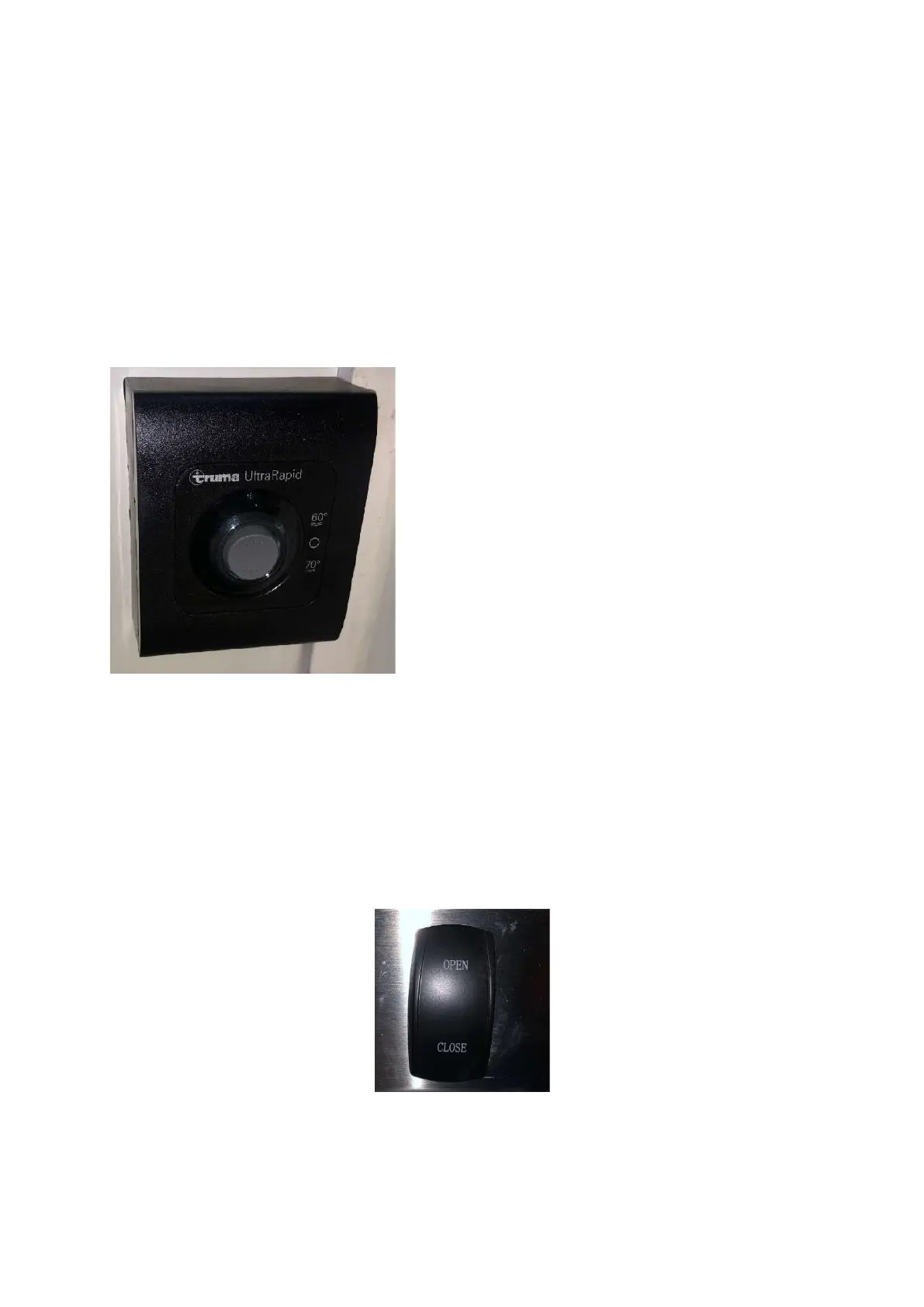
Step 6: Start up the hot water system as required
The hot water system requires the following process to start up:
- Turn on the tap on the gas cylinder at the front of the hybrid (not included)
- Turn on the water pump on the control panel
- Remove the cover from the gas vent on the outside of the van
- Press the Truma Hot Water System switch to either 60 or 70C
- When the red light has extinguished on this panel, the system is ready for use
- For more information on this system including troubleshooting, refer to the owners manual at the end of this
manual
Step 7: Opening the Electric Awning
The electric awning installed on all Maverick Camper Hybrids is the quickest and easiest solution for shade. To operate
the unit follow these instructions:
- Turn the main power switch to on located on the control panel
- Locate the awning button usually above or near the main door to the hybrid
- Press the button to open
- You will hear the motor starting to push the awning out



 To Next Page