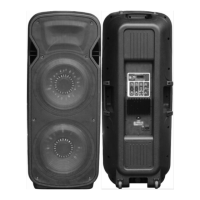
Connecting to BT
Press “MODE” until you hear tow beeps. BT Mode is on pair.
will read “MPD1221” on smartphone.
Connect with “MPD1221” click the OK on smartphone.
Press “PLAY/PAUSE” to continue play/pause music.
Press “PLAY/PAUSE” to continue play/pause music.
Press “PLAY/PAUSE” to enter into automatic FM channel
Press “NEXT” button to go to next song.
Press “NEXT” button to go to next song.
Press “NEXT” button to go to next frequency.
MMC Function
MMC
MMC
MMC
MODEL:MPD1221

 Need help?

 To Next Page
 General