6
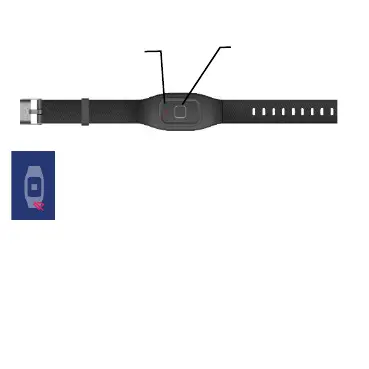
2. Bracelet Description
To pair the bracelet, in the Maxcom SOS
app, press the bracelet icon, and on the
bracelet, briefly press the SOS key
A notification on your phone will confirm the
bracelet connection.
To trigger an SOS alarm and send SMS messages
remotely with the bracelet, press the SOS button on
the bracelet for 3 sec.



 To Next Page