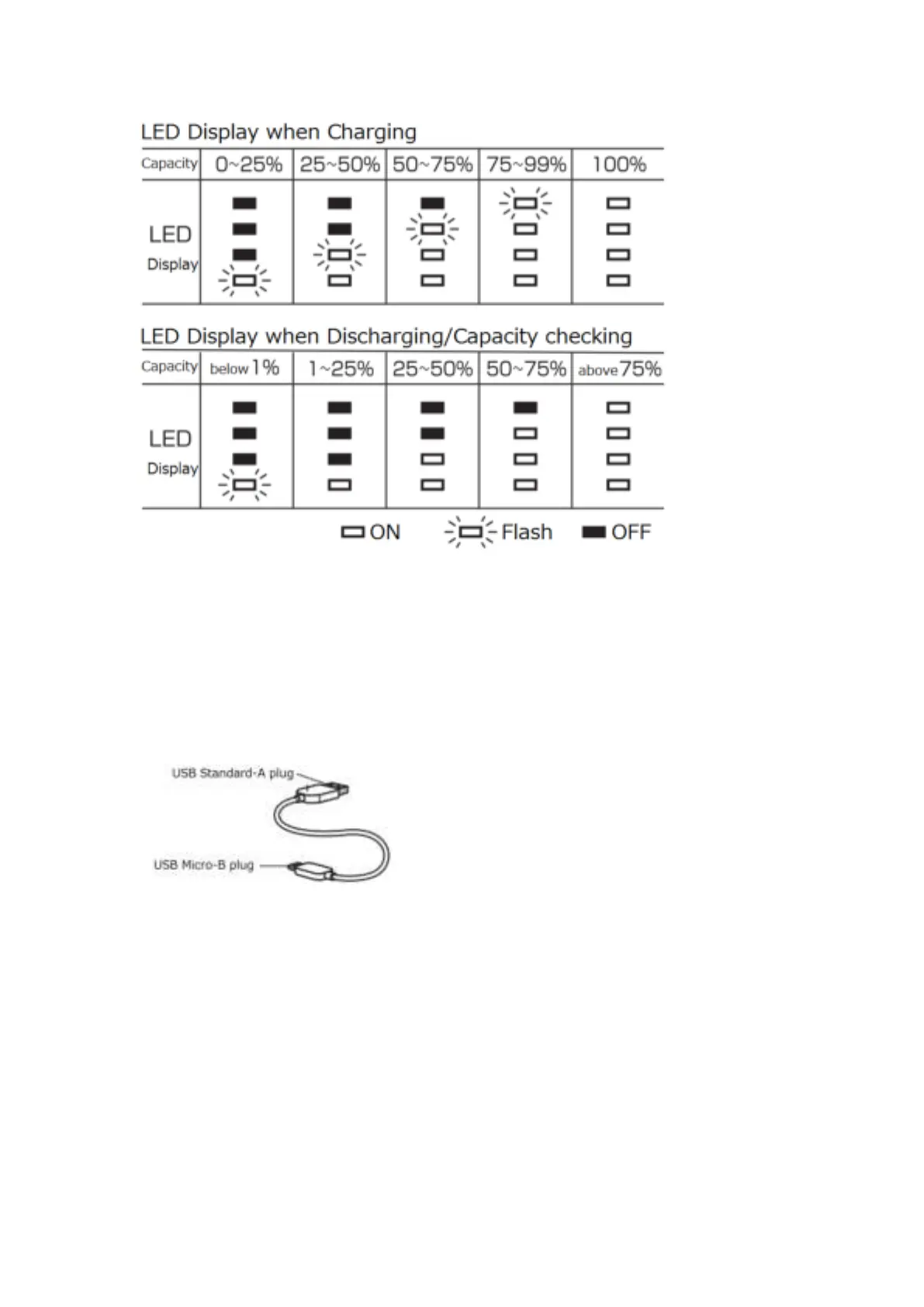
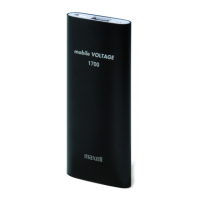
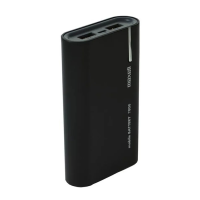
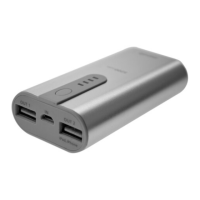
※Press the power button, the LED will display the battery remaining level
within 5 second when there is no connection.
[Charging Cable]
※The Charging Cable is for charging purposes only and not for data
communication.
Operation Procedures:
Charging for this product
(Your product will come pre-charged, however to optimise the battery, please
charge the battery before use after purchase)
-To use the provided USB cable, input terminal connect to the USB AC adaptor
or the computer USB port. During charging, the battery remaining level will
display by a Flashing LED light.
-All of the LED lights will come ON when the product is fully charged.
After the product is fully charged, please disconnect the cable after charging.


 To Next Page