02
● Accessories
• USB cable×1
• Lens cover×1
• Hand-tightened screw×1
• Wall bracket×1
● Indicator Light Status Introduction
Orange: The camera is powered on but not in use;
White light on: The camera is in use;
White light off: The camera is powered off;
White light flashing: The camera is in the process of upgrading;
Red light on: Mute.
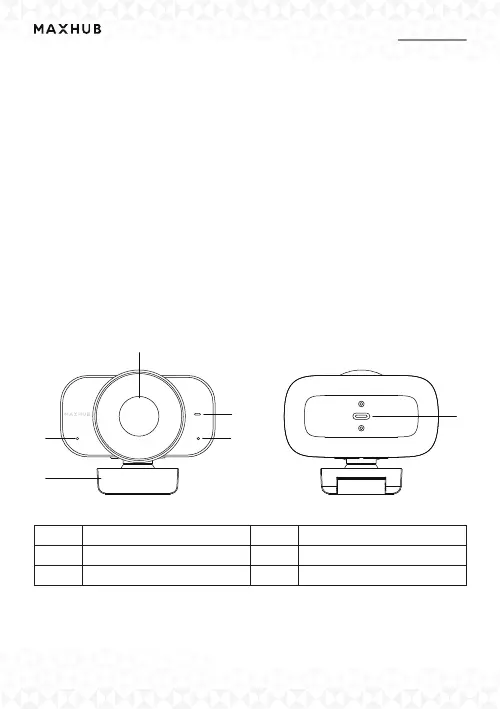
● Appearance Introduction
1
2
3
3
4
5
1
3
2
4
5
Camera
Microphone
Indicator Light
Camera Bracket
USB Type-C



 To Next Page