6
SYNA-G CLOUD APP
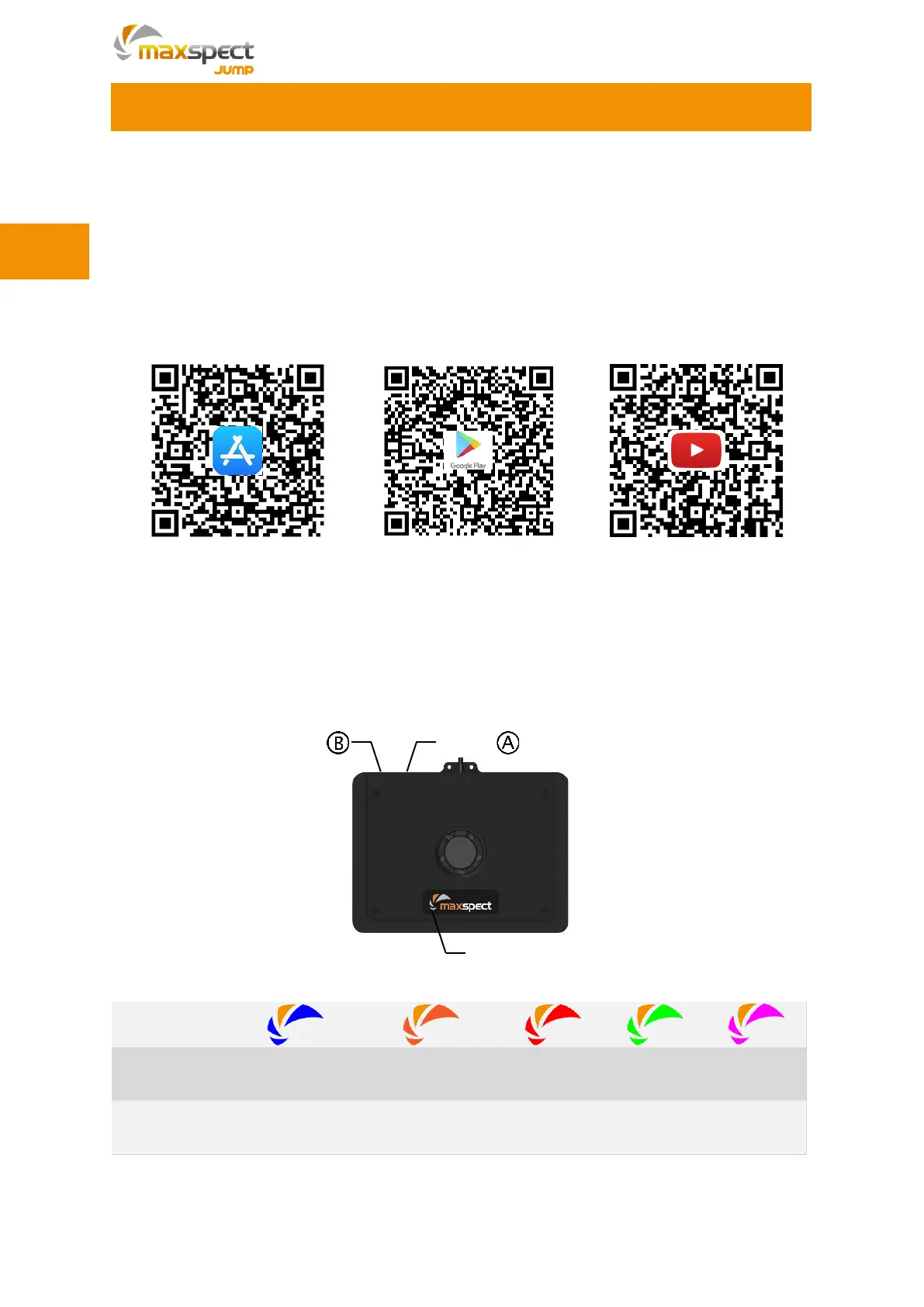
Maxspect™ Jump Series LED Lighting System is a cloud-based controlling system. To
get full access to the fixture, you need to install SYNA-G CLOUD APP on your mobile
device. For iOS platform, please download the APP from Apple App Store, for Android
platform please download the APP from Google Play Store. Alternatively, you can also
download the app by scanning the QR-code shown below.
For detailed operation instruction, please check out the following sections, or scan
above QR-Code to visit Maxspect official channel on YouTube for tutorial videos.
Fixture
Different color of the Status Indicator represents different working status of the fixture.



 To Next Page