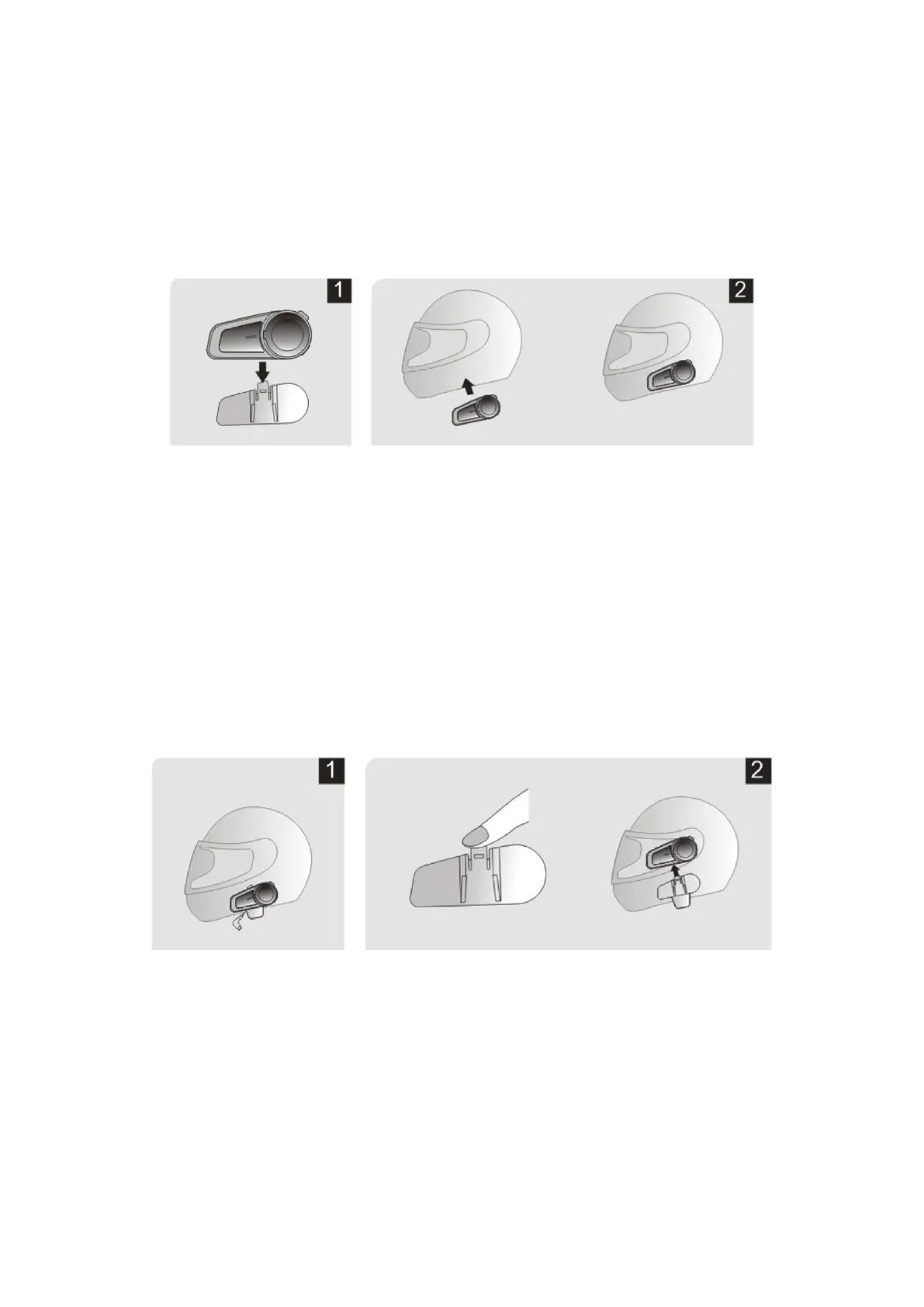
installation complete.
3.2 Fixed by VELCRO sticker
1. Slide the back track of the device into the clamping track.
2. Tear off the white paper on the back of the clamp and
stick it in the right position on the left side of the helmet.
3. Ear speakers & Microphone installation step refer to 3.1
4 Disassembly of the Device
1. Pull out the headset plug.
2. Press the upper clamp buckle and move the device
upward to remove it.
5 Product Introduction



 To Next Page