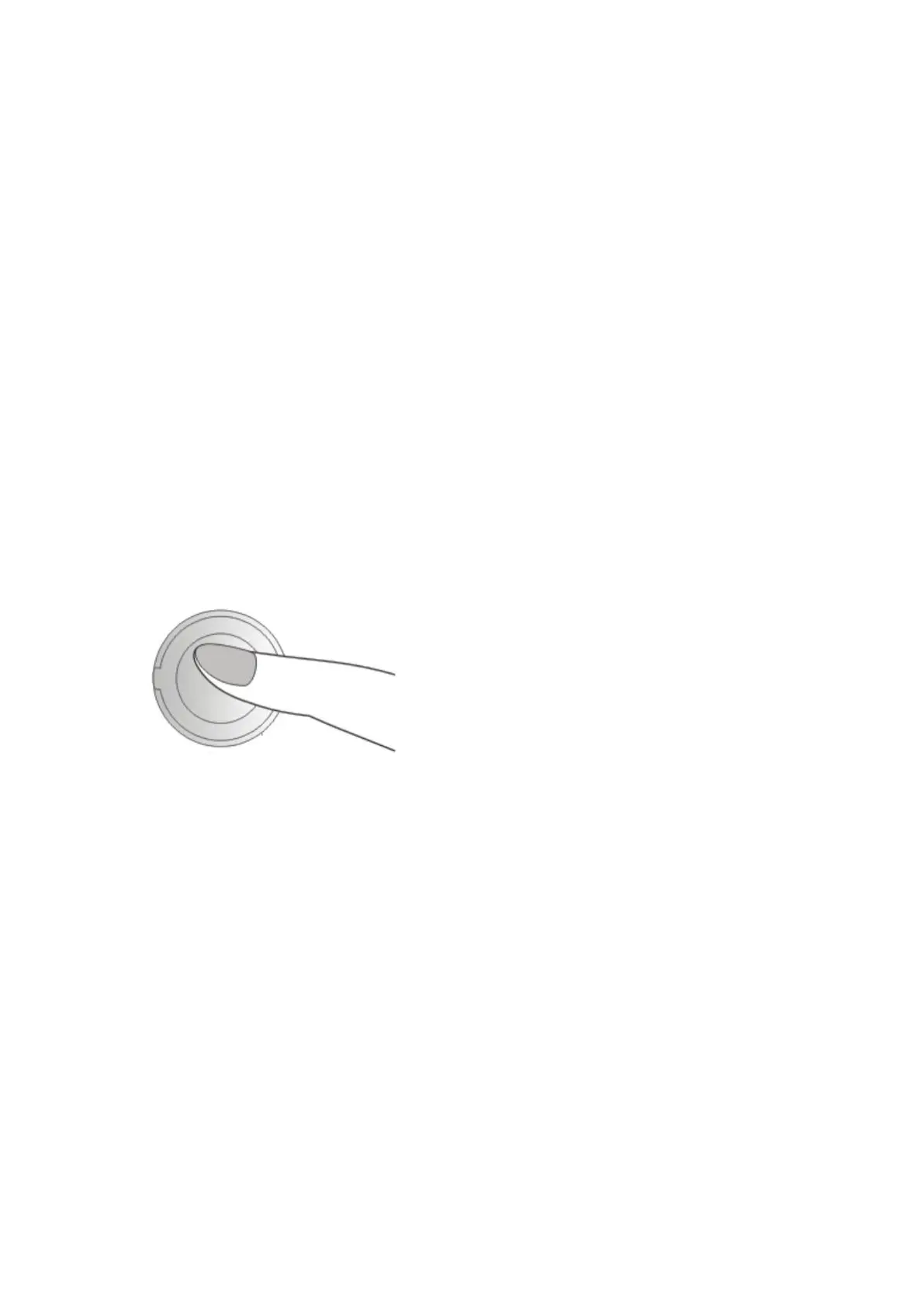
Note: When B connects with A first and then connected with
C, B needs to press the button twice to initiate intercom
with A, and B needs to press the button once to initiate
intercom with C
・ End the Bluetooth Intercom ( Shortly press the button
and intercom closes after a “Intercom disconnected” sound
prompt.)
6.2 Multi-function Button
・ Pairing ( When the headset is on, press and hold it for 6
seconds. There is a “Pairing” sound prompt, and blue and
red lights flash alternately.)
・ Answering a call ( When connected and there is a call,
click it once or take no action in 10 seconds. The call will be
put through automatically with a “Dong, Dong” sound
prompt.)



 To Next Page