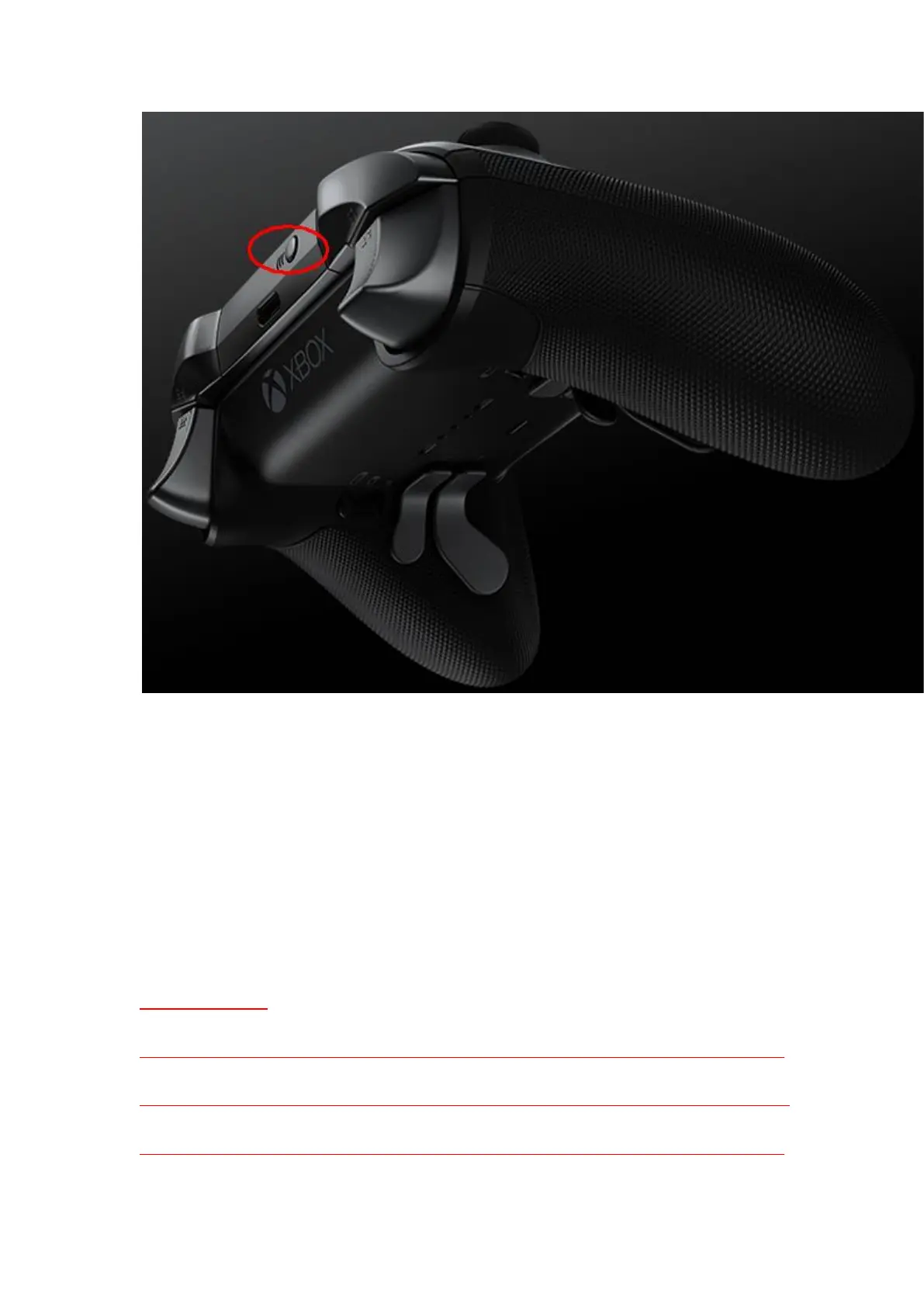
5)Sync successfully then !
6)Please press the Home button (Xbox Button)of the Xbox One Elite series 2 controller
once it connects to Magic-S Pro .
You are ready to play games !
Special Remarks:
- It may take a longer time to connect your Xbox Elite 2 and Magic-S adapter. And the
connection may be disconnected shortly (The lights on the controller and the adapter flash)
and then connect again during the Bluetooth pairing process. Please wait patiently until


 To Next Page