7
Picture SPEC:
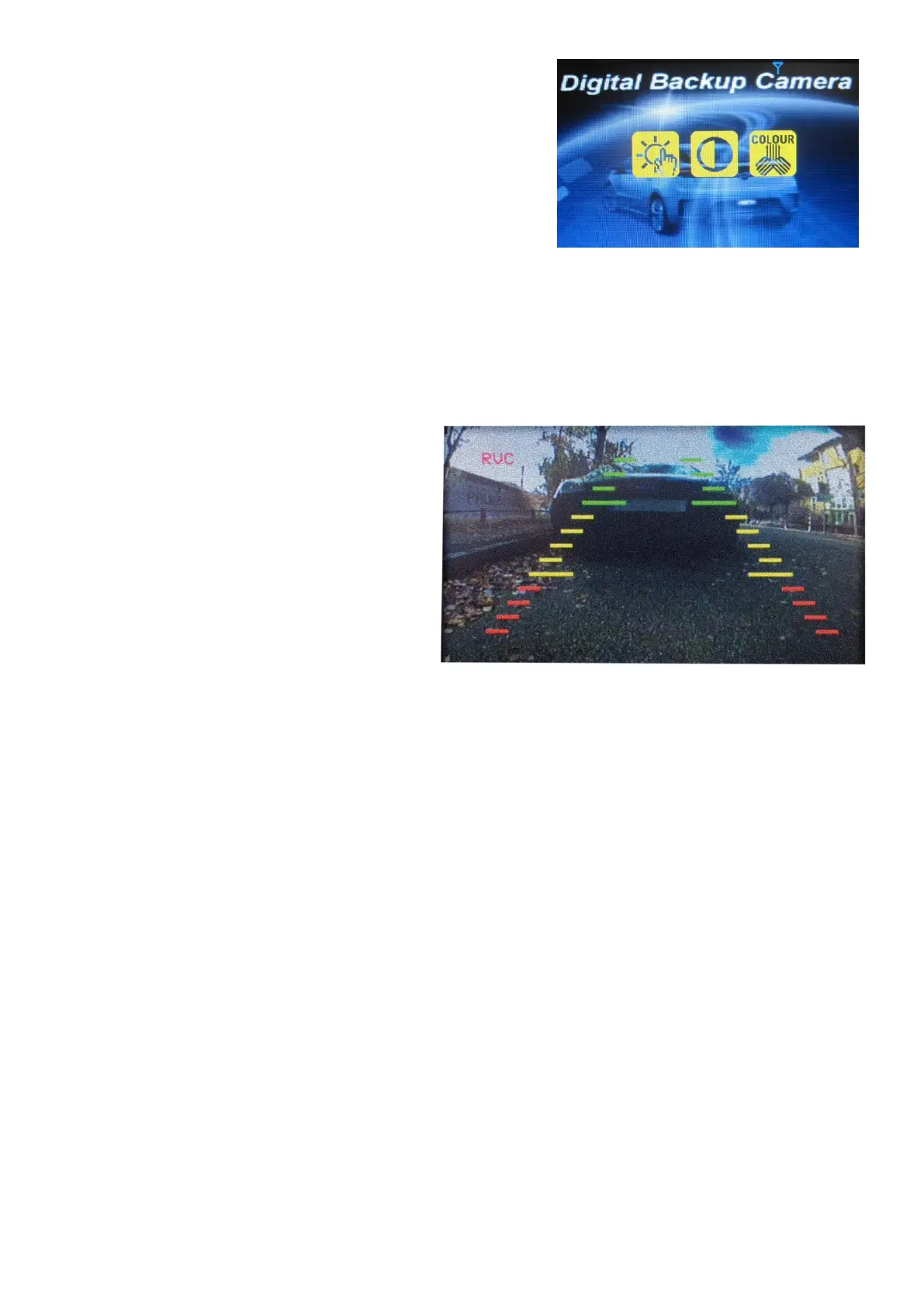
Choose the menu “Picture Spec” with the arrow buttons and confirm with the
Power Button. In this menu you can change brightness, contrast or colour of
the picture. Chose the desired function with the arrow buttons, confirm by
pressing the Power button and change the values with the arrow buttons. To
save the settings and exit the screen press the menu button.
Orientation:
In the Menu “Picture direction” you can change the orientation of the picture. This allows you to mount the camera and monitor
in any orientation and still see a correctly oriented picture on the monitor. Simply enter the “Picture direction” menu and pressing
the Power button. The orientation of the picture will change every time pressing the Power button.
Select your desired picture orientation, then save the settings and exit the screen by pressing the menu button.
Guideline button
This device has the option to overlay distance guidelines on
the display. This helps you to judge the distance between
objects behind your car. By pressing the guideline button,
you can switch this option on and off.


 To Next Page