*Some models.
4
–
32
When Driving
Instrument Cluster and Display
NOTE
When the illumination dimmer is
cancelled, the instrument cluster
cannot be dimmed even if the light
switch is turned to the
or
position.
When the illumination dimmer is
cancelled, the screen in the centre
display switches to constant display
of the daytime screen.
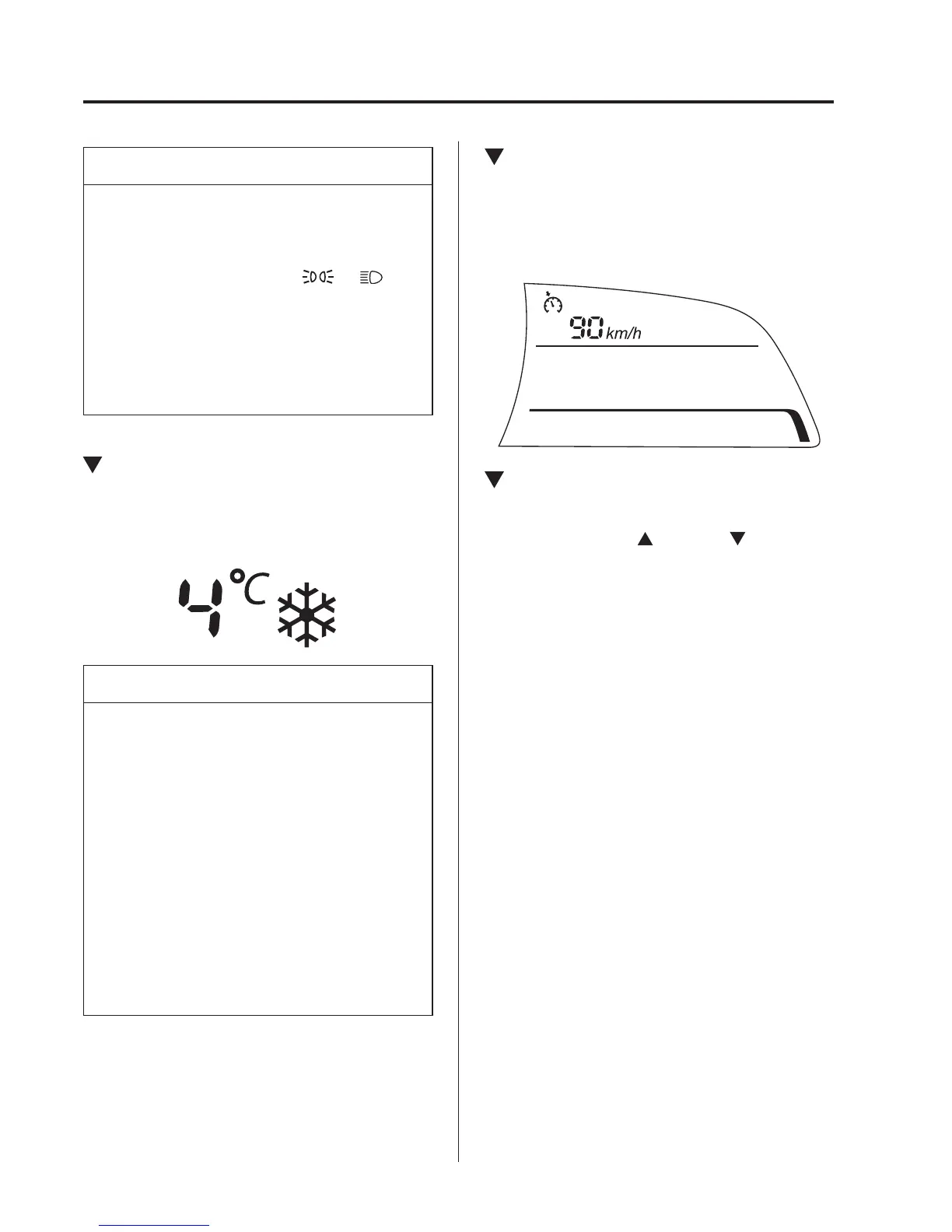
Outside Temperature Display
*
When the ignition is switched ON, the
outside temperature is displayed.
NOTE
Under the following conditions, the
outside temperature display may differ
from the actual outside temperature
depending on the surroundings and
vehicle conditions:
Signifi cantly cold or hot
temperatures.
Sudden changes in outside
temperature.
The vehicle is parked.
The vehicle is driven at low
speeds.
Cruise Control Set Vehicle Speed
Display
*
The vehicle speed preset using the cruise
control is displayed.
Trip Computer and INFO Switch
The following information can be selected
by pressing the up
or down part of the
INFO switch with the ignition switched
ON.
Approximate distance you can travel on
the available fuel
Average fuel economy
Current fuel economy
Average vehicle speed
Vehicle speed alarm
*
If you have any problems with your trip
computer, consult an expert repairer,
we recommend an Authorised Mazda
Repairer.



 To Next Page