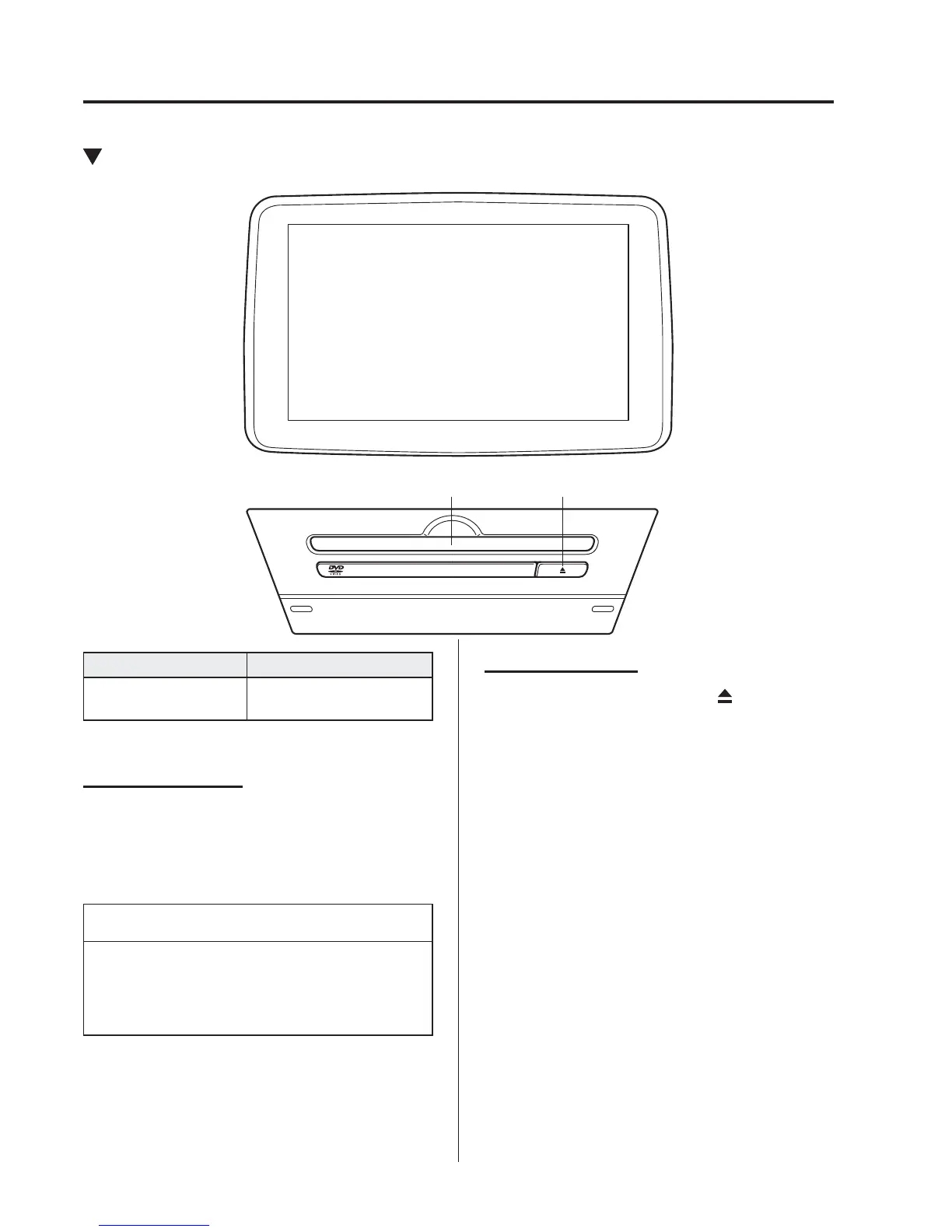
*Some models.
5
–
64
Interior Features
Audio System
Operating the Digital Versatile Disc (DVD) Player
*
DVD slot DVD eject button
Type Playable data
DVD VIDEO/DVD-
VR player
DVD VIDEO/DVD-VR
fi le
Inserting the DVD
Insert the DVD into the slot, label-side up.
The DVD is inserted automatically and
the top menu screen of the DVD disc and
controller are displayed.
NOTE
There will be a short lapse before play
begins while the player reads the digital
signals on the DVD.
Ejecting the DVD
Press the DVD eject button (
) to eject the
DVD.



 To Next Page