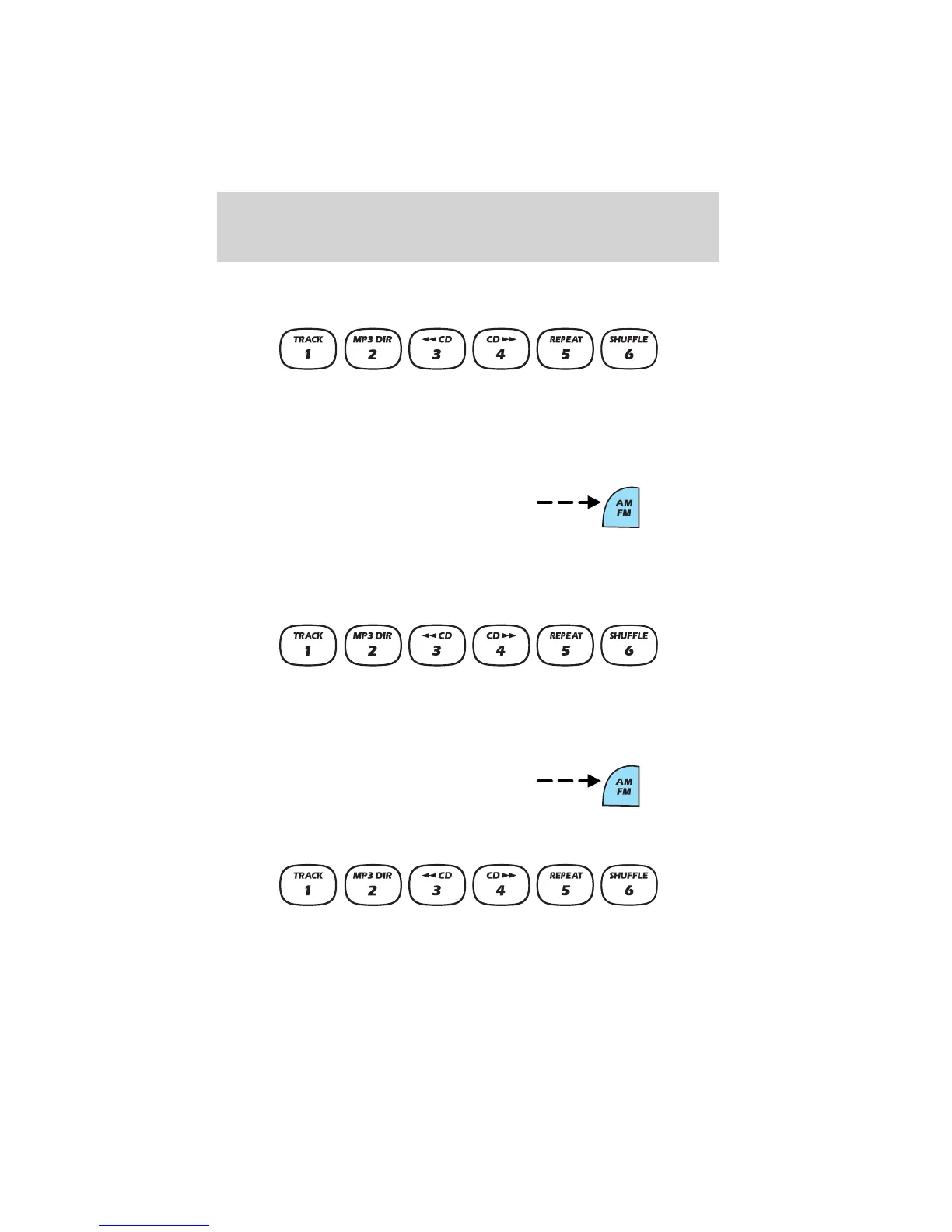
Radio station memory preset
The radio is equipped with six station memory preset controls. These
controls can be used to select up to six preset AM stations and twelve
FM stations (six in FM1 and six in FM2).
Setting memory preset stations
1. Select the frequency band with
the AM/FM select control.
2. Select a station. Refer to Tune adjust or Seek function for more
information on selecting a station.
3. Press and hold a memory preset control until the sound returns,
indicating the station is held in memory on the control you selected.
Accessing memory preset stations
1. Select the desired frequency
band with the AM/FM select
control.
2. Press the preset control which contains the desired station
frequency. The desired station will begin to play.
Entertainment Systems
37















 To Next Page