Show
This feature allows you to select the
type of RDS broadcast information
the radio will regularly show in the
display.
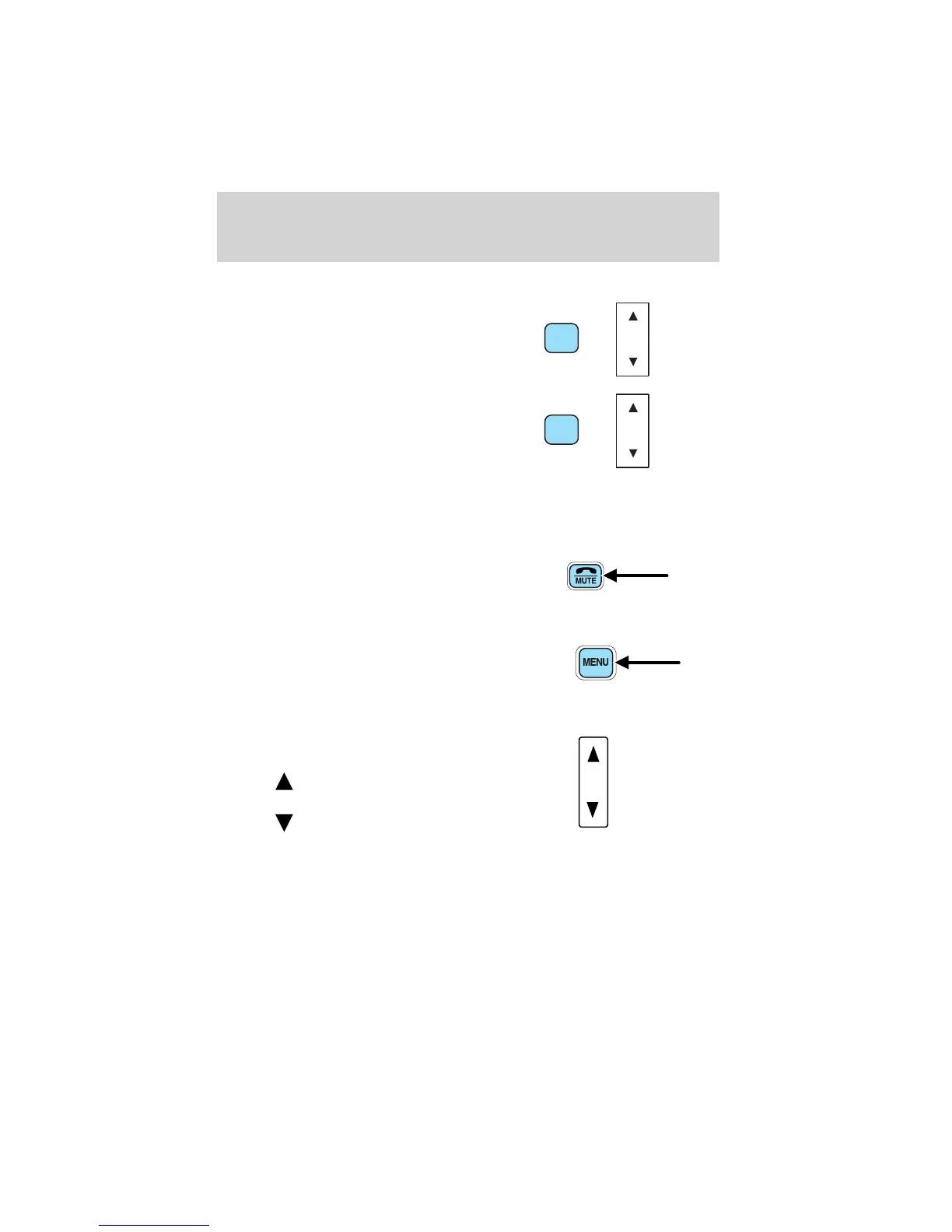
With RDS activated, press the
MENU control until SHOW is
displayed.
Use the SEL control to select TYPE
(displays the RDS program type:
rock, jazz, etc), NAME (displays the name of the radio station) or NONE
(deactivates the RDS display).
Mute mode
Press the control to mute the
playing media. Press the control
again to return to the playing media.
Setting the clock
Press the MENU control until
SELECT HOUR or SELECT
MINUTE is displayed. (The menu
mode must be engaged to enable
clock mode).
Use the SEL control to manually set
the time.
• Press
to increase
hours/minutes.
• Press
to decrease
hours/minutes.
Press the MENU control again to disengage the clock mode.
CLEANING COMPACT DISCS
Inspect all discs for contamination before playing. If necessary, clean
discs only with an approved CD cleaner and wipe from the center out to
the edge. Do not use circular motion.
SEL
+
MENU
SEL
+
MENU
SEL
Entertainment Systems
64















 To Next Page