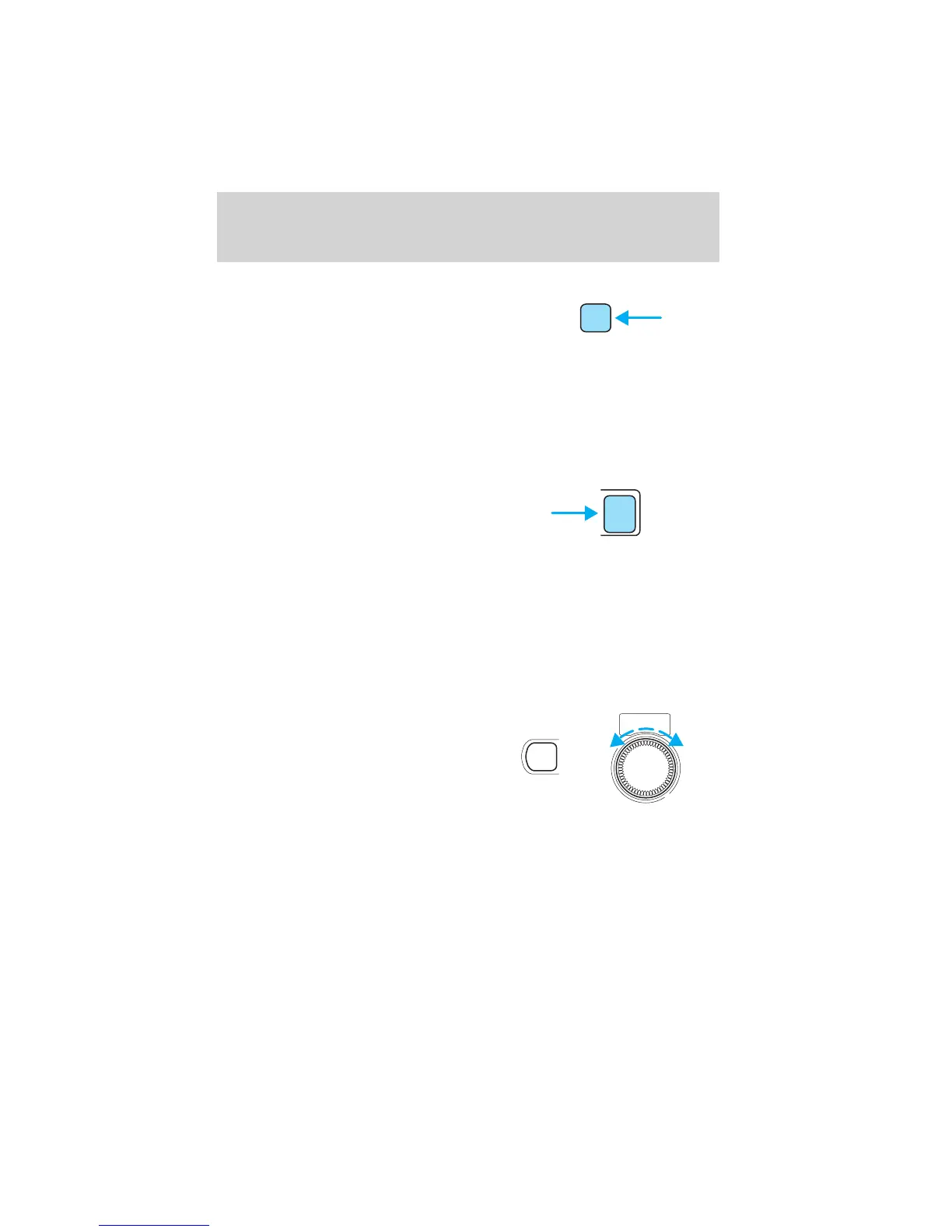
Scan function
The scan function works in radio
mode.
Scan function in radio mode
Press the SCAN control to hear a sampling of strong stations on the
frequency band. Each station will play for approximately 5 seconds.
Press the SCAN control again to remain on a station and disable this
mode.
CD select
• To begin CD play (if CD is
loaded), press the CD control, or
• Insert the compact disc, label side
up into the CD slot (if no CD is
loaded). The auto loading mechanism will pull in the CD. There will be
a short lapse before play begins.
• The first track of the disc will begin playing. The DISC IN control will
illuminate.
• The track number will appear in the display.
To disable CD mode, press the power/volume control.
Treble adjust
The treble adjust control allows you
to increase or decrease the audio
system’s treble output.
Press the AUDIO control until TREB is illuminated in the display.
Turn the volume control to adjust to the desired level of treble.
NOTE: The volume can be adjusted without pressing the AUDIO
function control.
SCAN
CD
PUSH
POWER-VOL
+
AUDIO
Entertainment Systems
25













 To Next Page