automatically reverse one hour. For example, if the original setting is
3:24, the time will change to 3:00. If the clock’s current time setting is
within the latter part of the hour (from 30 to 59 minutes), the hour
setting will automatically advance one hour. For example, if the original
setting is 3:45, the time will change to 4:00.
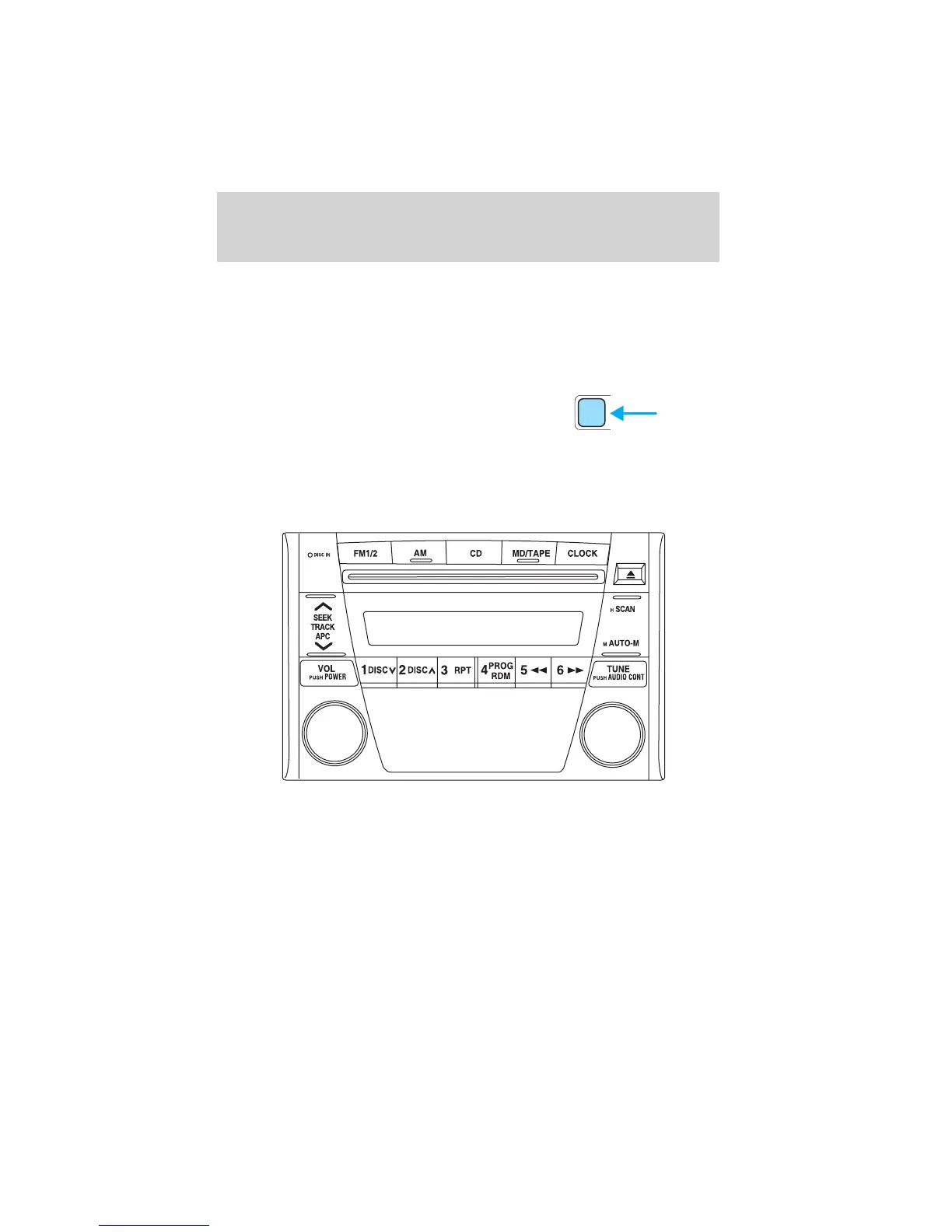
Changing the display mode
Press the CLOCK control to
alternate the display between time
and audio.
NOTE: If audio operation is selected while the time mode is on, the
selected audio mode will be displayed for 10 seconds, then the display
will revert to the time mode.
AM/FM RADIO WITH COMPACT DISC PLAYER
Volume/power control
Ensure that the ignition is either in the ACC or ON position for the audio
system to function.
CLOCK
Entertainment Systems
29















 To Next Page