NOTE: If the power supply is interrupted, (fuse blows or the battery is
disconnected), the preset channels will be canceled.
Tape select
To begin tape play, insert a cassette tape into the cassette slot, with the
open edge facing the right. Once inserted, the cassette tape will
automatically begin play and TAPE will appear in the display. At the end
of the cassette tape, the unit will automatically reverse the cassette tape
play.
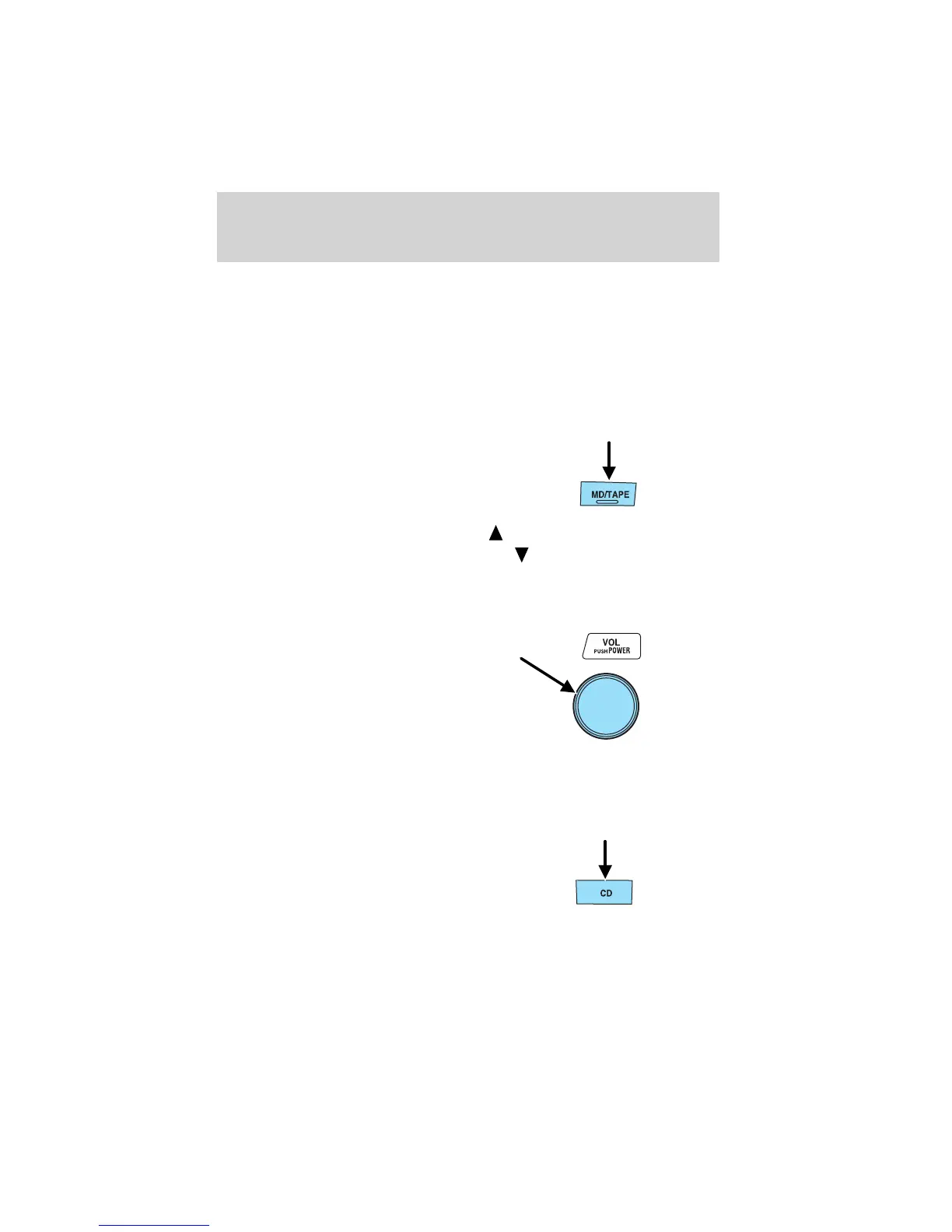
To begin tape play (with a tape
loaded into the audio system), press
the TAPE control. If there is not a
cassette tape in the cassette slot,
NO TAPE will flash in the display.
The cassette’s top side is playing when
is illuminated in the display.
The cassette’s bottom side is playing when
is illuminated in the
display.
NOTE: When a metal tape is inserted, the player will automatically
compensate and MTL will appear in the display.
Press the VOL (Volume) control to
stop cassette play.
CD select
To begin CD play:
1. Insert a CD into the slot, label
side up. The system will
auto-load the CD and begin play
after a short pause. The disc
number and the track number will illuminate in the display.
Entertainment Systems
38















 To Next Page