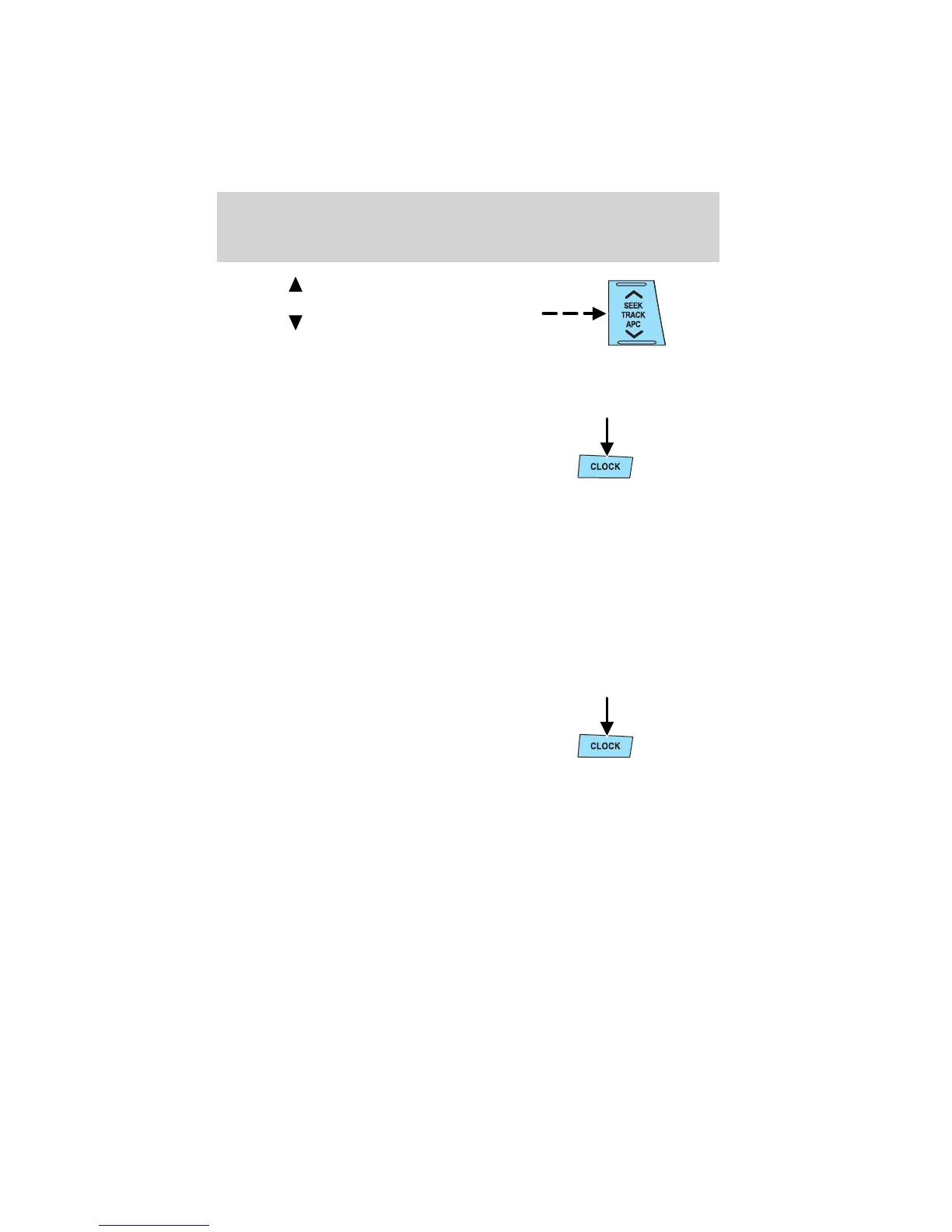
2. Press on the hour set
control to adjust the hours.
3. Press on the minute set
control to adjust the minutes.
4. Press the CLOCK control again
to start the clock.
NOTE: If the power supply to the unit is interrupted (if the fuse blows
or the vehicle’s battery is disconnected), the clock will need to be reset.
NOTE: If the time is not adjusted while the clock’s current time is
flashing (if neither H nor M is pressed), and the clock control is pressed
a second time, the minutes will be set to 00. If the clock’s current time
setting is within the latter part of the hour (from 30 to 59 min), the hour
setting will automatically advance one hour.
Changing the display mode
The display can be changed to alternate between the clock and the
audio. When the clock mode is selected, the time is displayed.
Press the CLOCK control to
alternate the display.
NOTE: If the audio operation is selected while the clock mode is on, the
selected audio mode will be displayed for ten seconds, then the display
will revert to the clock mode.
Entertainment Systems
41















 To Next Page