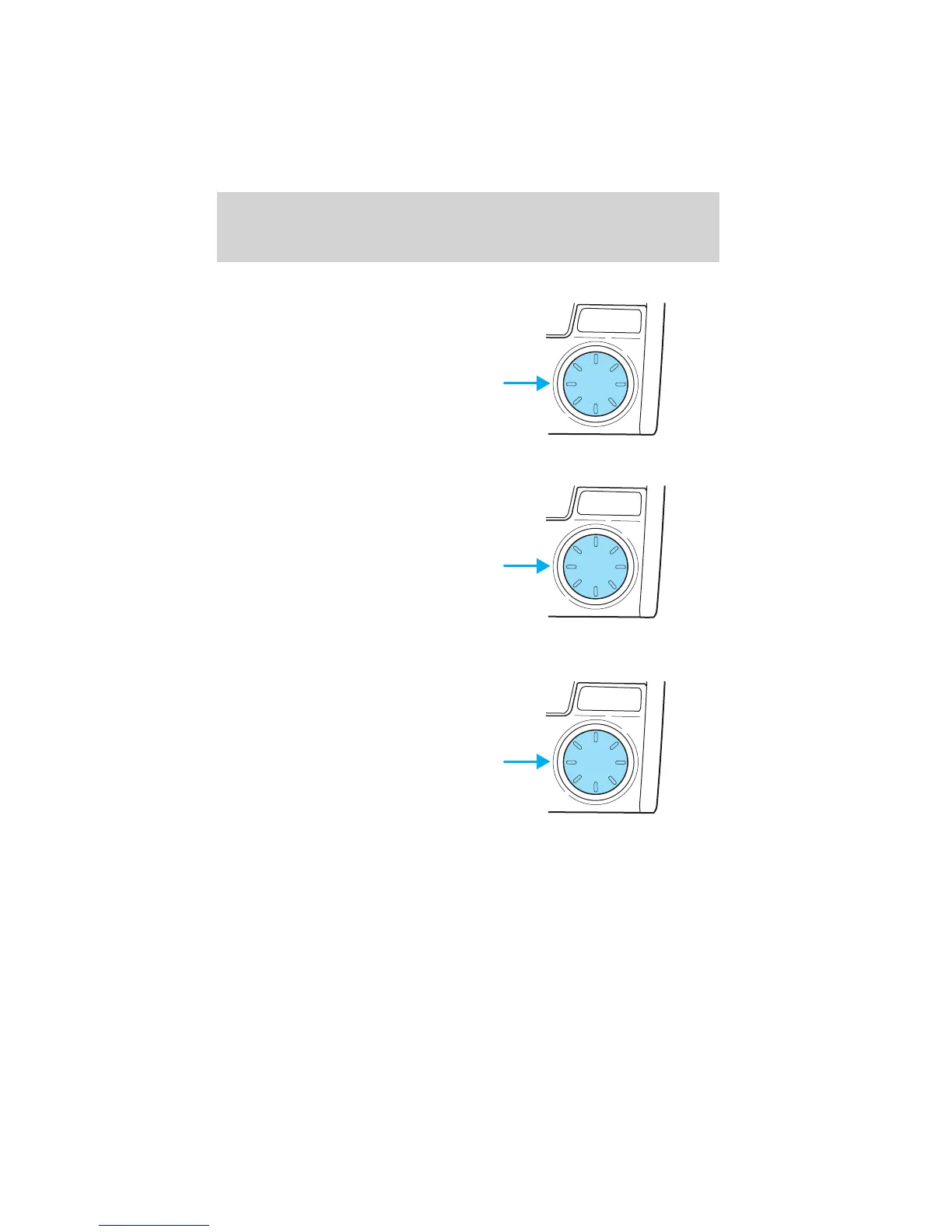
Bass adjust
The bass adjust control allows you
to increase or decrease the audio
system’s bass output.
Press the AUDIO once to access the
system’s bass adjust mode.
Turn the control to increase (right)
or decrease (left) the amount of
bass output.
Speaker fade adjust
Speaker sound can be adjusted
between the front and rear
speakers.
Press the AUDIO control three
times to access the system’s fade
adjust mode.
Turn the control (right or left) to
adjust between the front and rear
speakers.
Speaker balance adjust
Speaker sound distribution can be
adjusted between the right and left
speakers.
Press the AUDIO control four times
to access the system’s balance
adjust mode.
Turn the control (right or left) to
adjust between the right and left
speakers.
Radio station memory preset
The radio is equipped with five station memory preset controls. These
controls can be used to select up to five preset AM stations and ten FM
stations (five in FM1 and five in FM2).
PUSH
AUDIO CONT
PUSH
AUDIO CONT
PUSH
AUDIO CONT
Entertainment Systems
45















 To Next Page