Repeat play in CD mode
Press the RPT control during play. RPT will illuminate in the display.
The current selection will be repeated.
To disengage repeat play, press the RPT control again.
Load
The load feature allows you to load
up to six single CDs into the audio
system.
This six disc CD player is equipped with a CD door. Compact
discs should only be inserted into the player after the door has
been opened by the player. When ready, “IN” will be indicated in
the display. Do not attempt to force the door open or to load
discs until the player is ready. Compact discs should only be
loaded by pressing the LOAD control.
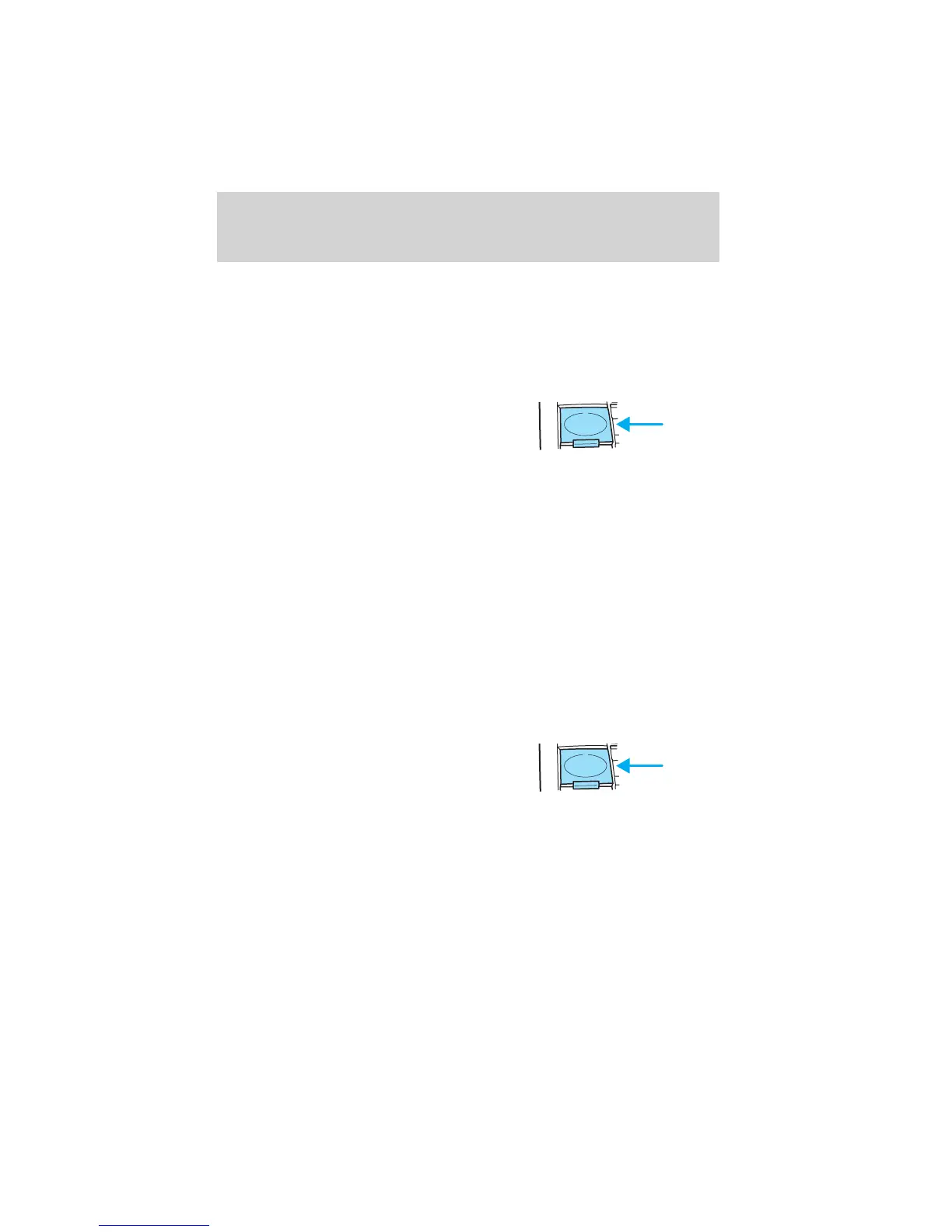
• Press the LOAD control.
• WAIT will appear in the display as the system prepares to load the
CD.
• IN will appear in the display and the CD door will open when the
system is ready to receive a CD.
• Wait until the CD door opens.
• Load the CD into the player.
Multiple CD loading
This feature allows you to autoload
up to 6 discs into the multi disc CD
player internal to the radio.
Press and hold the LOAD control until a beep is heard. When IN is
displayed, insert the CD. When IN is displayed again, insert the next CD.
The first CD will automatically play when:
• there is not a CD inserted for 15 seconds after IN is displayed
• the CD tray is full
LOAD
LOAD
Entertainment Systems
48












 To Next Page