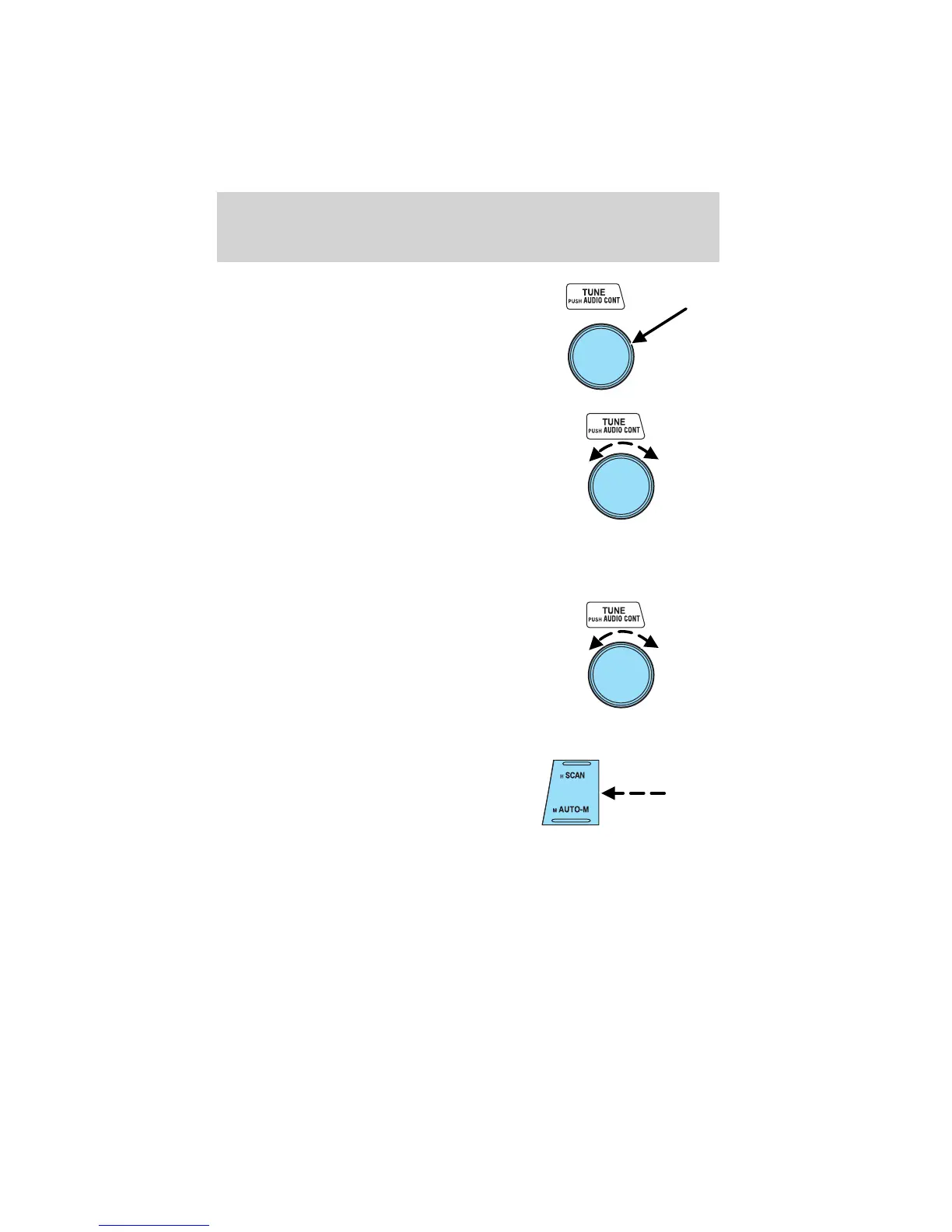
Press the TUNE control to select
the desired function.
Turn the TUNE control to adjust the
desired levels.
Refer to Treble adjust for specific instructions on level adjustments.
The TUNE control will also work in radio mode to manually increase or
decrease the frequency.
Turn the TUNE control to the left
for a lower frequency.
Turn the TUNE control to the right
for a higher frequency.
Scan function
The scan function works in radio
and CD mode.
Scan function in radio mode
Press the SCAN control to hear a brief sampling of all listenable stations
on the frequency band. Press the SCAN control again to disable scan
mode.
Entertainment Systems
29












 To Next Page