Black plate (203,1)
Music scan
This feature helps to find a program by
playing about the first 10 seconds of each
track.
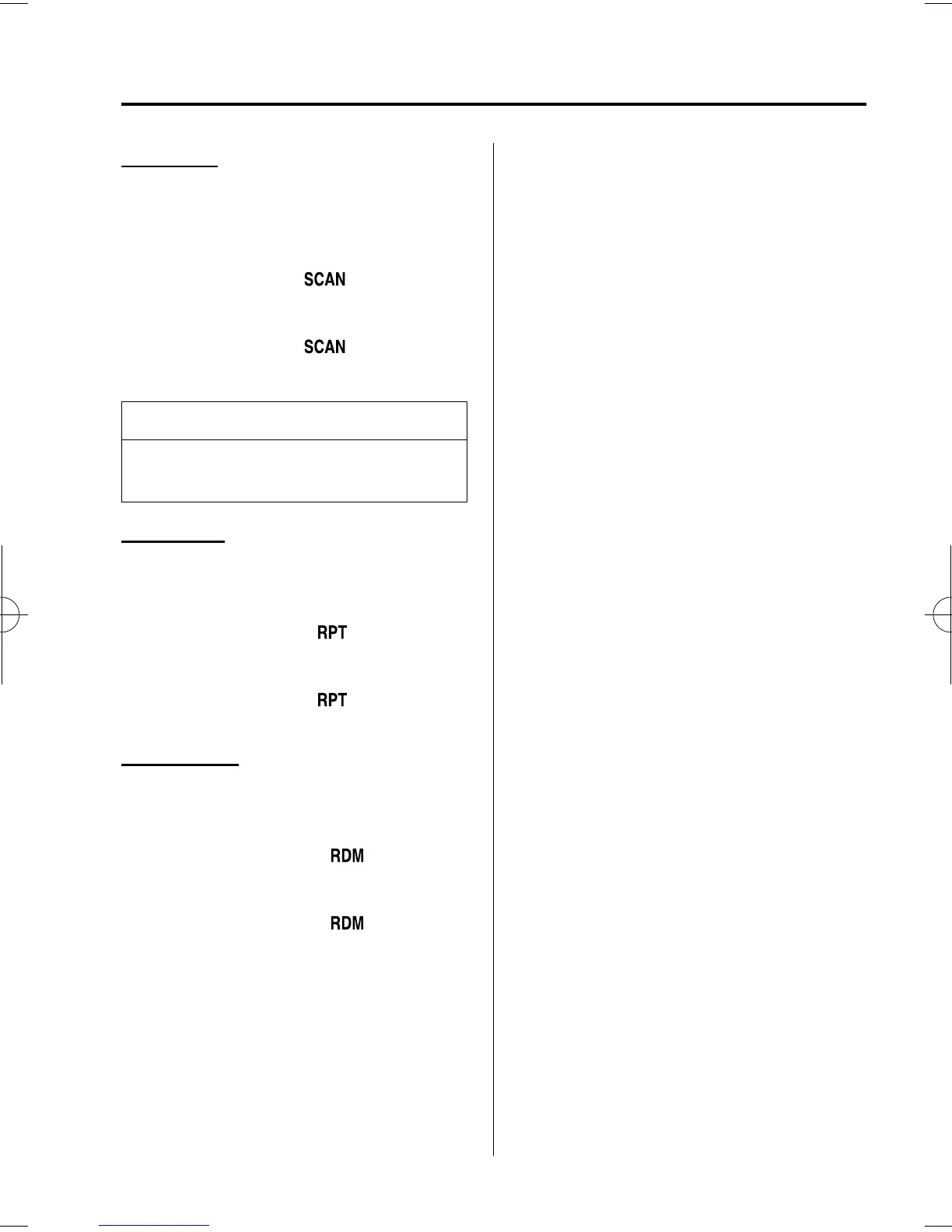
Press the scan button (
) durin g play
to start scan play operation (the track
number will flash).
Press the scan button (
) once again
to cancel scan play.
NOTE
If the unit is left in scan, normal play
will resume wher e scan was selected.
Repeat play
This feature makes it possi ble to listen to
a selection repeatedly.
Press the repeat button (
) during play.
The current selection will be repeated
(“RPT” will be displayed).
Press the repeat button (
) once again
to cancel repeat play.
Random play
This feature allows the CD player to
randomly select the order of the songs.
Press the random button (
) durin g
play. The next selection will be randomly
selected ( “ RDM” will be displayed).
Press the random button (
) once
again to cancel random play.
Interior Comfort
Audio System
6-33
Mazda3_8U55-EA-05G_Edition2 Page203
Thursday, June 23 2005 2:55 PM
Form No.8U55-EA-05G













 To Next Page