52
Before
Use
Getting
started
Routing
Address
Book
Voi ce
Recognition
Volume Adjustment
Volume Adjustment
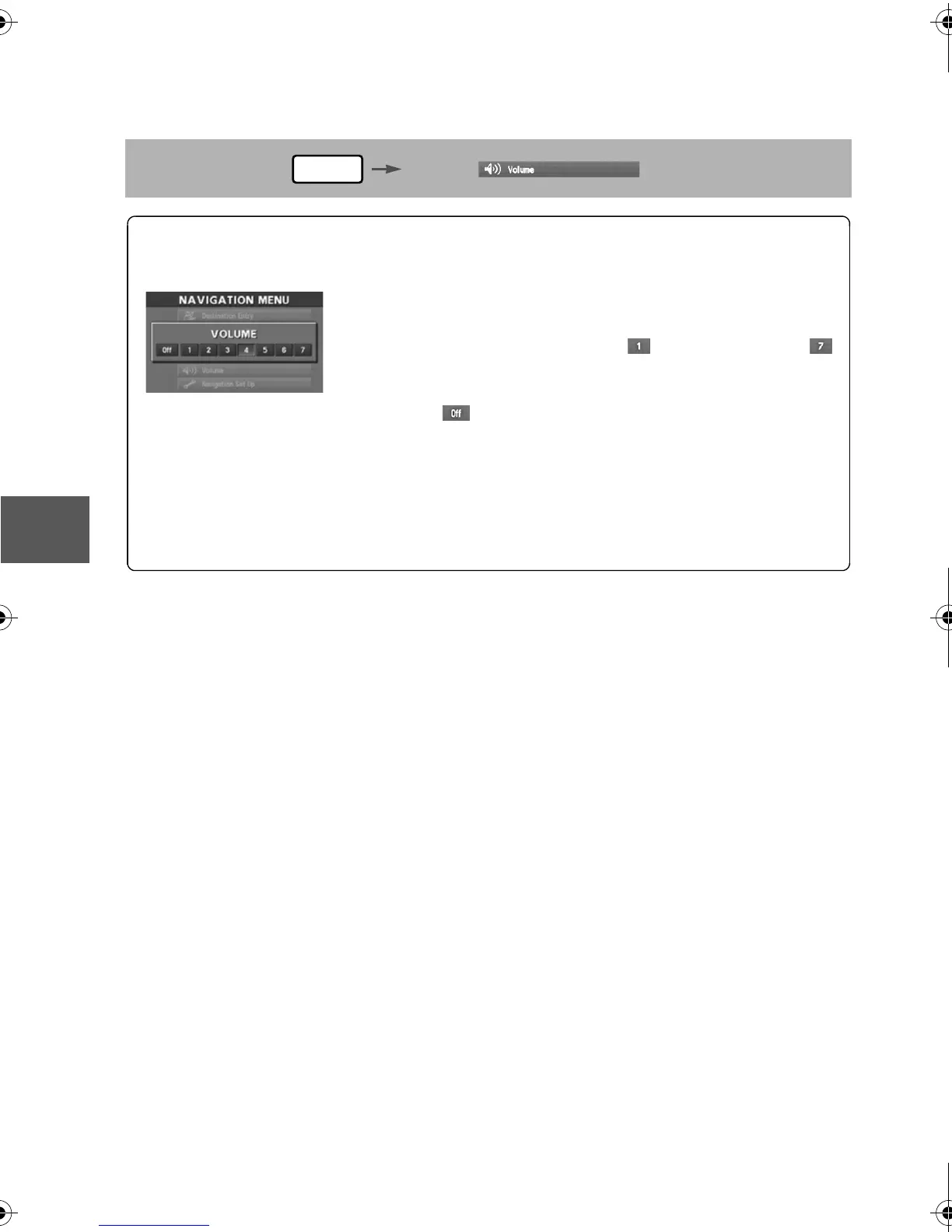
You can adjust the volume control for the voice guidance.
Before Steps
select
MENU
Open the [VOLUME] screen
1
Select the appropriate button to set the
volume to between (minimum) and
(maximum).
:Sound output will be muted.
2
Press the (NAVI) button to return to the
current vehicle position screen.
'<C)%FSSO4EKI8LYVWHE]1EVGL41



 To Next Page
 Loading...







