69
Audio Operation
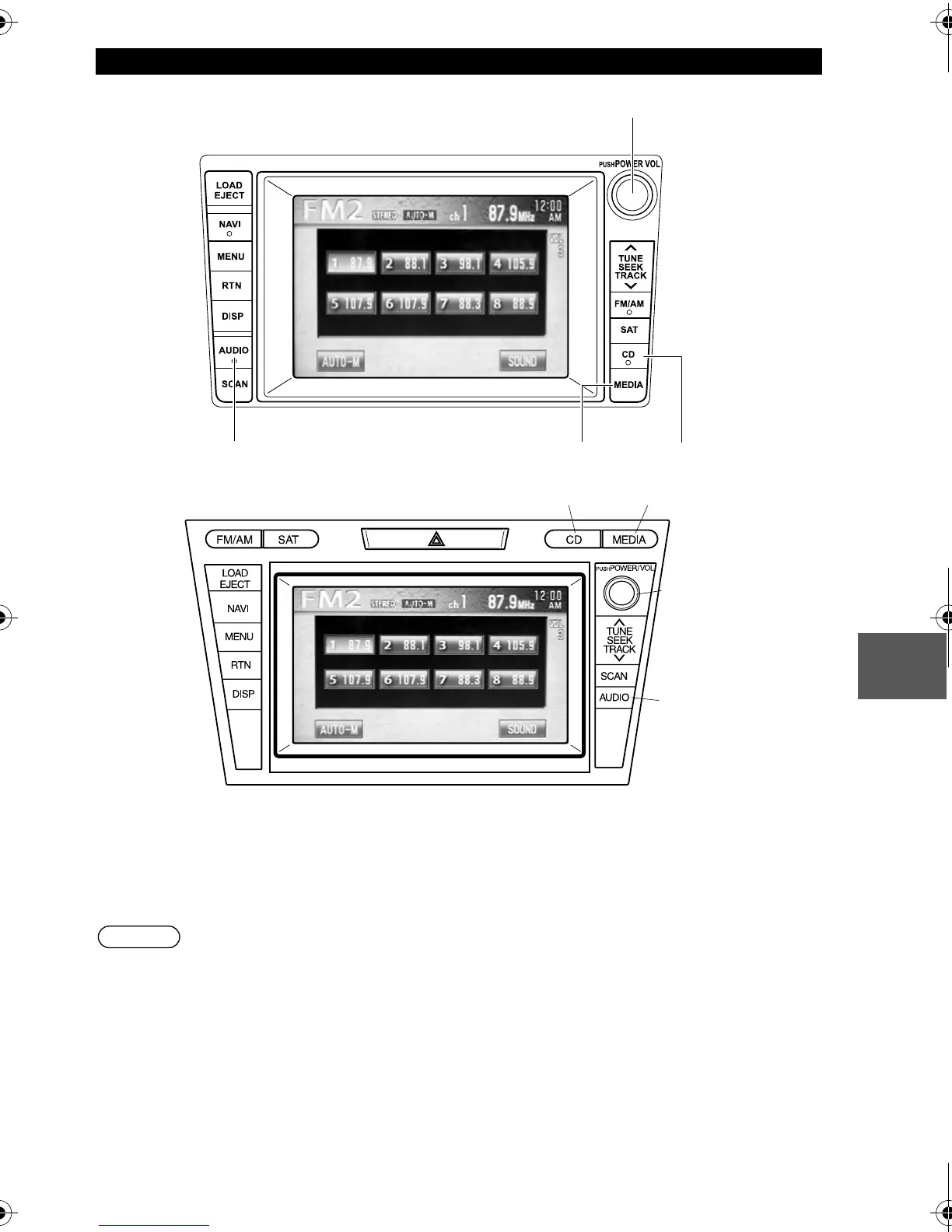
n Power ON/OFF
Turn the ignition switch to the ACC or ON position.
Press the power/volume dial to turn the audio system on.
Press the power/volume dial again to turn the audio system off.
Note
To prevent the battery from being discharged, do not leave the audio system on for a long
period of time when the engine is not running.
n Volume adjustment
To adjust the volume, turn the power/volume dial.
Turn the power/volume dial to the right to increase volume, to the left to decrease it.
Power/Volume/Sound Controls
Power / Volume dial
Mazda CX-9
CD button
MEDIA button
AUDIO button
Mazda CX-7
CD button
Power / Volume dial
Audio button
MEDIA button
'<C)%FSSO4EKI8LYVWHE]1EVGL41



 To Next Page
 Loading...







