Black plate (267,1)
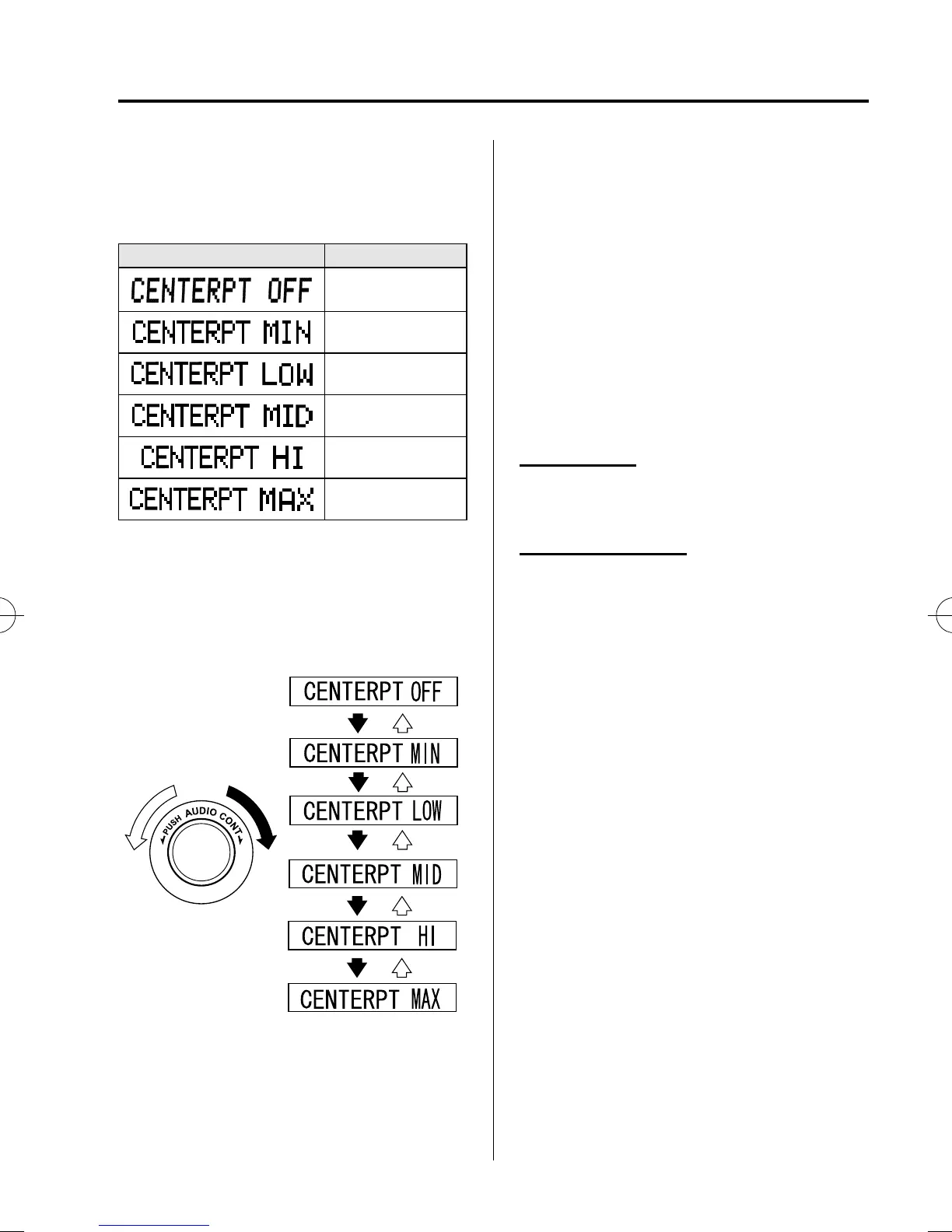
The true surround sound effect of
Centerpoint
®
can be adjusted to any one
of five level between minimum and
maximum enhancement.
Indication Enhance level
Off
Minimum
Low
Medium
High
Maximum
Turn the audio control dial to select
CENTERPT MIN―MAX mode. The
selected mode will be indicated.
NOTE
l
Centerpoint
®
operates optimally with a 2-
channel stereo CD. MP3 audio files can be
played, however, MP3 audio files encoded
with high compression may result in poor
sound quality.
l
Centerpoint
®
is available for 2-channel
stereo audio except for AM radio/FM radio/
SIRIUS digital satellite radio/AUX/BT
audio.
* Centerpoint
®
is a registered trademark
of Bose Corporation.
BEEP setting
The beep-sound when operat ing the audio
system can be set on or off.
BT SETUP mode
í
Music and other audio such as voice data
recorded on portable audio devices and
mobile phones available on the market
which are equipped with the Bluetooth
®
transmission function can be listened to
via wireless transmission over the
vehicle's speakers. Using the BT SETUP
mode, these devices can be programmed
to the Bluetooth
®
unit or changed.
Refer to Blueto oth® Audio on page 6-61.
Interior Comfort
Audio System
6-29
í
Some models.
CX-7_8CG4-EC-11J_Edition1 Page267
Monday, October 3 2011 11:14 AM
Form No.8CG4-EC-11J



 To Next Page