Black plate (348,1)
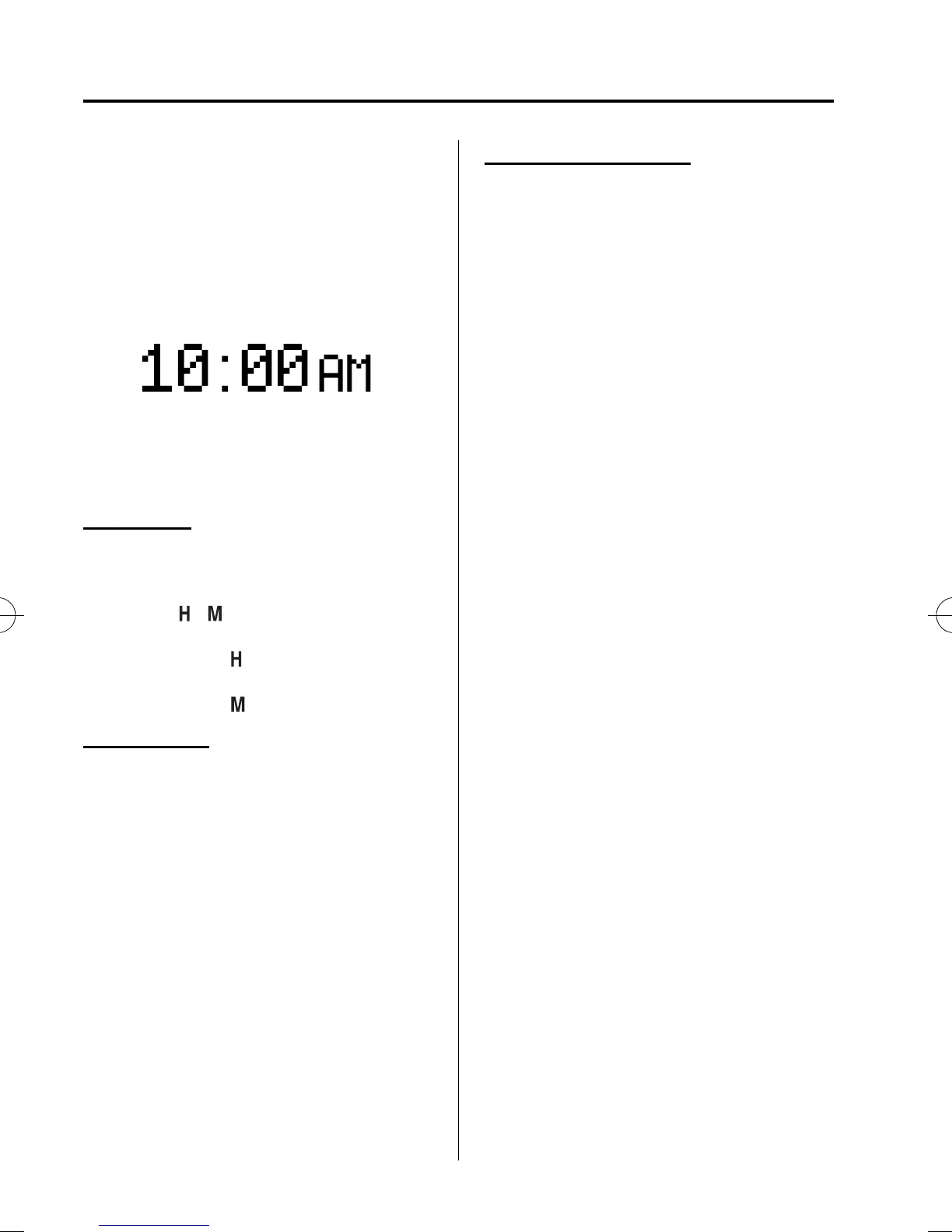
qClock
The time is displayed when the ignition is
switched to ACC or ON.
Time settin g
1. Switch the ignition to ACC or ON.
2. Adjust the time using the time setting
buttons (
, ).
The hours advance while the time
setting button (
) is pressed.
The minutes advance while the time
setting button (
) is pressed.
Time resetting
1. Switch the ignition to ACC or ON.
2. Press the :00 button.
3. When the button is pressed, the time
will be reset as follows:
(Example)
12:01―12:29→12:00
12:30―12:59→1:00
NOTE
When the :00 button is pressed, the seconds
will start at “00”.
With navigation system
Time zone switching
1. Press the INFO switch until the
SETTINGS screen is displayed.
2. Select PREFERENCES by press ing the
Enter (up/down) switch up or down,
and then press the Enter (up/down)
switch.
3. Select TIME ZONE by pressing the
Enter (up/down) switch up or down,
and then press the Enter (up/down)
switch.
4. Select the desired time zone by
pressing the Enter (up/down) switch up
or down, and then press the Enter (up/
down) switch.
NOTE
l
Daylight saving time is not reflected in the
time zone displayed.
l
The clock does not display if there is no
GPS signal reception.
l
If the battery cables are disconnected and
then reconnected, the clock does not
operate until a GPS signal is received. Do
not place objects on the dashboard,
otherwise the clock may be unable to
receive the GPS signal normally.
6-110
Interior Comfort
Interior Equipment
CX-7_8CG4-EC-11J_Edition1 Page348
Monday, October 3 2011 11:14 AM
Form No.8CG4-EC-11J



 To Next Page