Black plate (263,1)
7. Press the audio control dial to delete
the selected device.
NOTE
Select “GO BACK” and press the audio
control dial to return to the “PAIR DELETE”
display.
8. “PAIR DELETED” is displayed for
three seconds after the deletion is
completed, and then it returns to the
normal display.
NOTE
If an error occurs while trying to delete the
programmed device, “Err” flashes in the
display for three seconds and the display
returns to “LINK DELETE”.
Bluetooth
®
audio device information
display
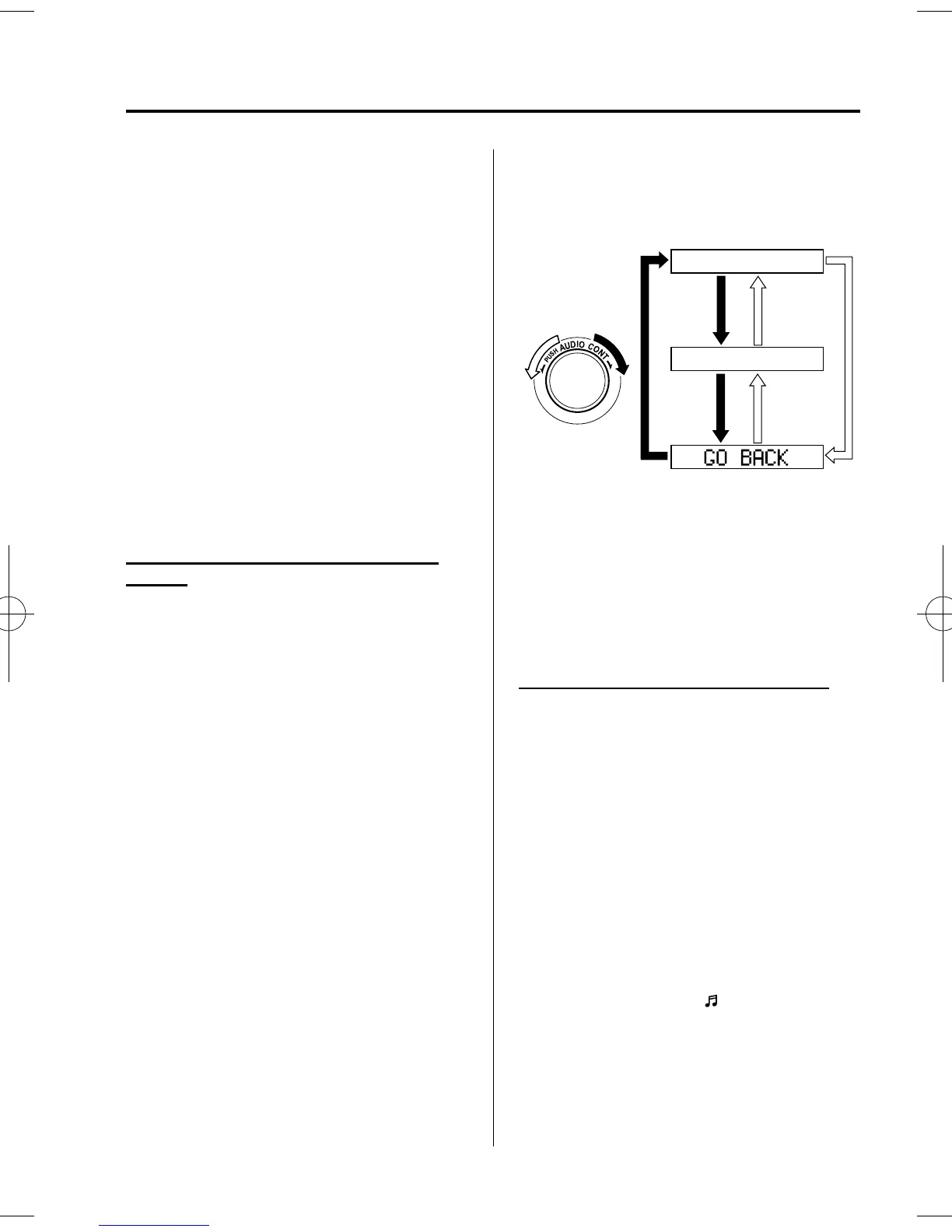
1. Using the audio control dial, select the
pair device information display mode
“DEVICE INFO” in the “ BT SETUP”
mode. (Refer to “ Bluetooth
®
audio
device set-up” for details.)
2. Press the audio control dial to
determine the mode.
3. The name of the Bluetooth
®
unit
device is displayed.
4. Rotate the audio control dial to select
the information for the Bluetooth
®
unit
which you would like to view.
Device name
BT address
NOTE
When “GO BACK” is selected and the audio
control dial is pressed, the display returns to
“DEVICE INFO”.
qHow to Use the Bluetooth®
Audio System
Switching to Bluetooth
®
audio mode
To listen to music or voice audio recorded
to a Bluetooth
®
audio device, switch to
the Bluetooth
®
audio mode to operate the
audio device using the audio system
control panel.
Any Bluetooth
®
audio device must be
programmed to the vehicle's Bluetooth
®
unit before it can be used. (Refer to
“Bluetooth
®
audio device programming ” )
1. Switch the ignitio n to ACC or ON.
2. Turn on the Bluetooth
®
audio device's
power.
Make sure that the “
” symbol is
displayed in the information display.
The symbol is not displayed if an
unprogrammed Bluetooth
®
audio
device is being used or the vehicle's
Bluetooth
®
unit has a malfunction.
Interior Comfort
Bluetooth® Audio
6-67
Mazda5_8DW3-EA-14H_Edition1 Page263
Tuesday, June 3 2014 12:34 AM
Form No.8DW3-EA-14H



 To Next Page