Black plate (292,1)
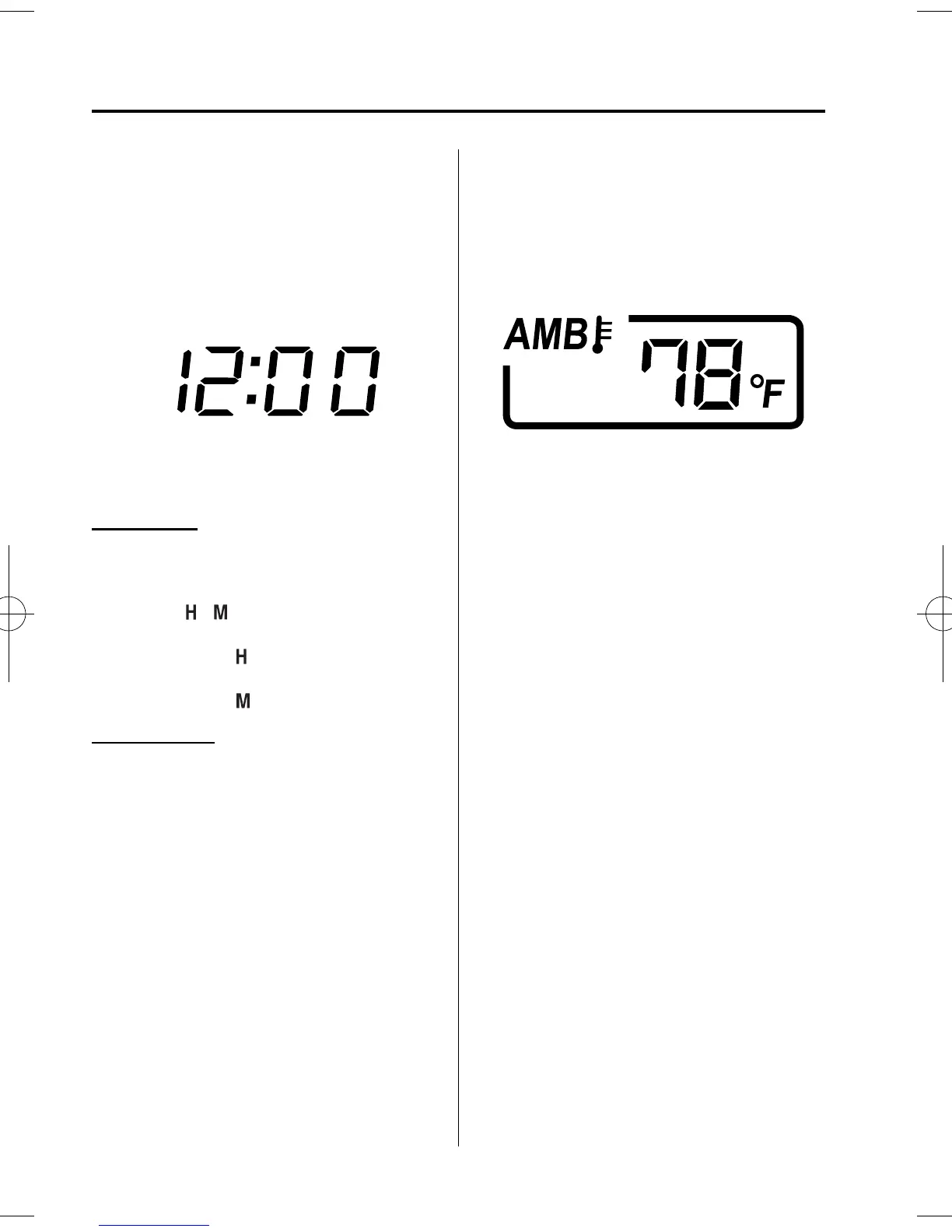
qClock
When the ignition is switched to ACC or
ON, the time is displayed.
Time setting
1. Switch the ignitio n to ACC or ON.
2. Adjust the time using the time setting
buttons (
, ).
The hours advance while the time
setting button (
) is pressed.
The minutes advance while the time
setting button (
) is pressed.
Time resetting
1. Switch the ignitio n to ACC or ON.
2. Press the :00 button.
3. When the button is pressed, the time
will be reset as follows:
(Example)
12:01―12:29→12:00
12:30―12:59→1:00
NOTE
When the button is pressed, the seconds will
start at “00”.
qAmbient Temperature Display
When the ignition is switched ON, the
ambient temperature is displayed.
NOTE
l
Under the following conditions, the ambient
temperature display may differ from the
actual ambient temperature depending on
the surroundings and vehicle conditions:
l
Significantly cold or hot temperatures.
l
Sudden changes in ambient temperature.
l
The vehicle is parked.
l
The vehicle is driven at low speeds.
l
Press the AUTO switch(page 6-5) for 3
seconds or more to switch the display from
Fahrenheit to Centigrade or vice versa.
qClimate Control Display
The climate control system status is
displayed. To operate the climate control
system, refer to “ Climate Control System”
(page 6-2).
qAudio Display
The audio system status is displayed. To
operate the audio system, refer to
“Audio Sy stem” (page 6-11).
6-96
Interior Comfort
Interior Equipment
Mazda5_8DW3-EA-14H_Edition1 Page292
Tuesday, June 3 2014 12:34 AM
Form No.8DW3-EA-14H



 To Next Page