5
–
6
Interior Features
Air-Conditioning System
*Some models.
Control Switches
Temperature control dial
This dial controls temperature. Turn it
clockwise for hot and anticlockwise for
cold.
NOTE
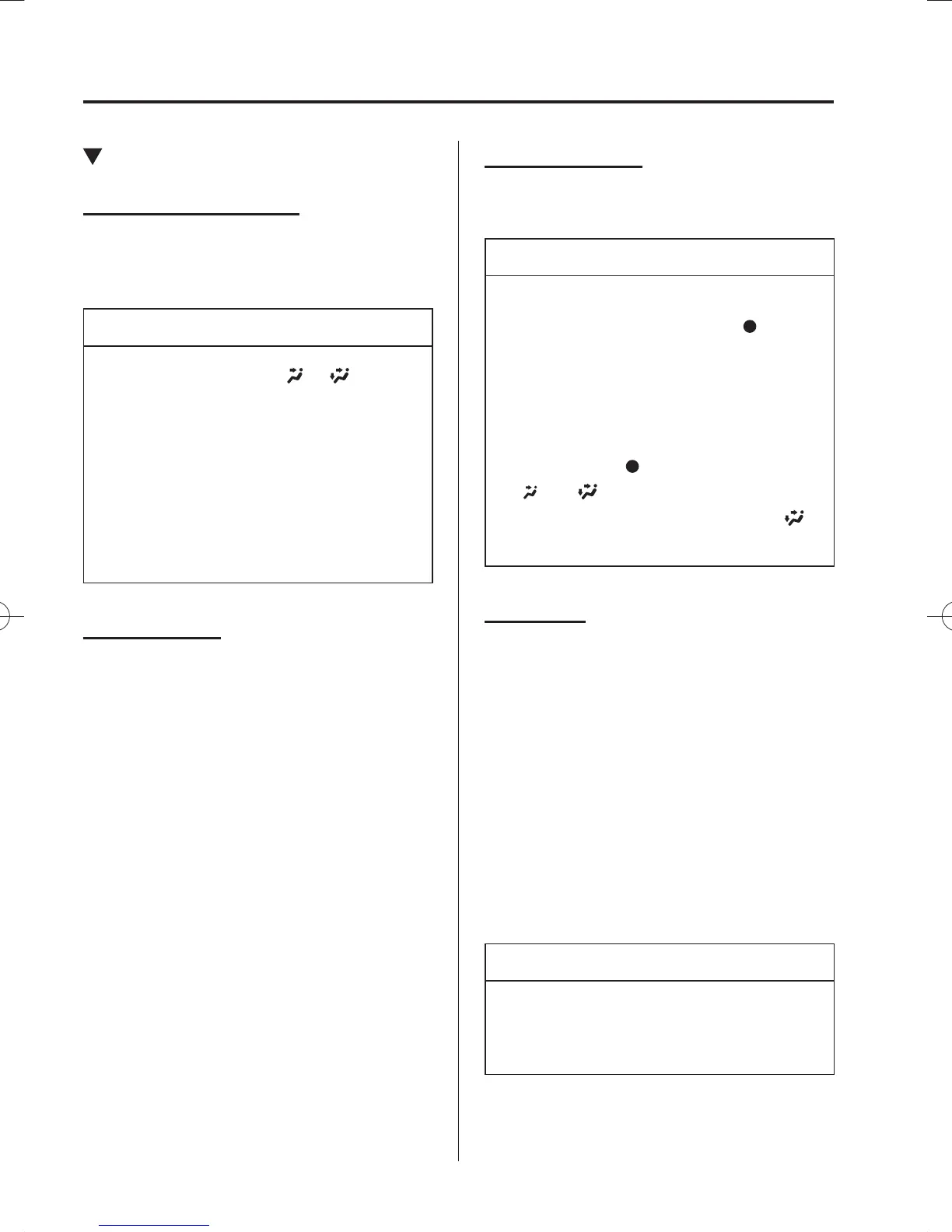
When the mode is set to or with the
fan control dial in a position other than 0
and the temperature control dial in the
maximum cold position, the air intake
selector switches to the recirculated air
position and the A/C turns on
automatically.
If A/C is not desired, press the A/C
switch to turn it off.
Fan control dial
This dial allows variable fan speeds.
(Type A)
The fan has seven speeds.
(Type B)
0—Fan off
1—Low speed
2—Medium low speed
3—Medium high speed
4—High speed
Mode selector dial
Turn the mode selector dial to select
airÀ ow mode (page 5-4 ).
NOTE
The mode selector dial can be set at
the intermediate positions (
)
between each mode. Set the dial to
an intermediate position if you want
to split the airÀ ow between the two
modes.
For example, when the mode selector
dial is at the
position between the
and positions, airÀ ow from the
À oor vent is less than that of the
position.
A/C switch
*
(Type A)
Press the A/C switch to turn the air
conditioner on. The indicator light on the
switch will illuminate when the fan control
dial is in any position except OFF.
( Type B)
Press the A/C switch to turn the air
conditioner on. The indicator light on the
switch will illuminate when the fan control
dial is set at position 1, 2, 3, or 4.
Press the switch once again to turn the air
conditioner off.
NOTE
The air conditioner may not function
when the outside temperature
approaches 0 °C (32 °F).
/C\FCA(,'''A'FKVKQPKPFD/C\FCA(,'''A'FKVKQPKPFD



 To Next Page