Black plate (133,1)
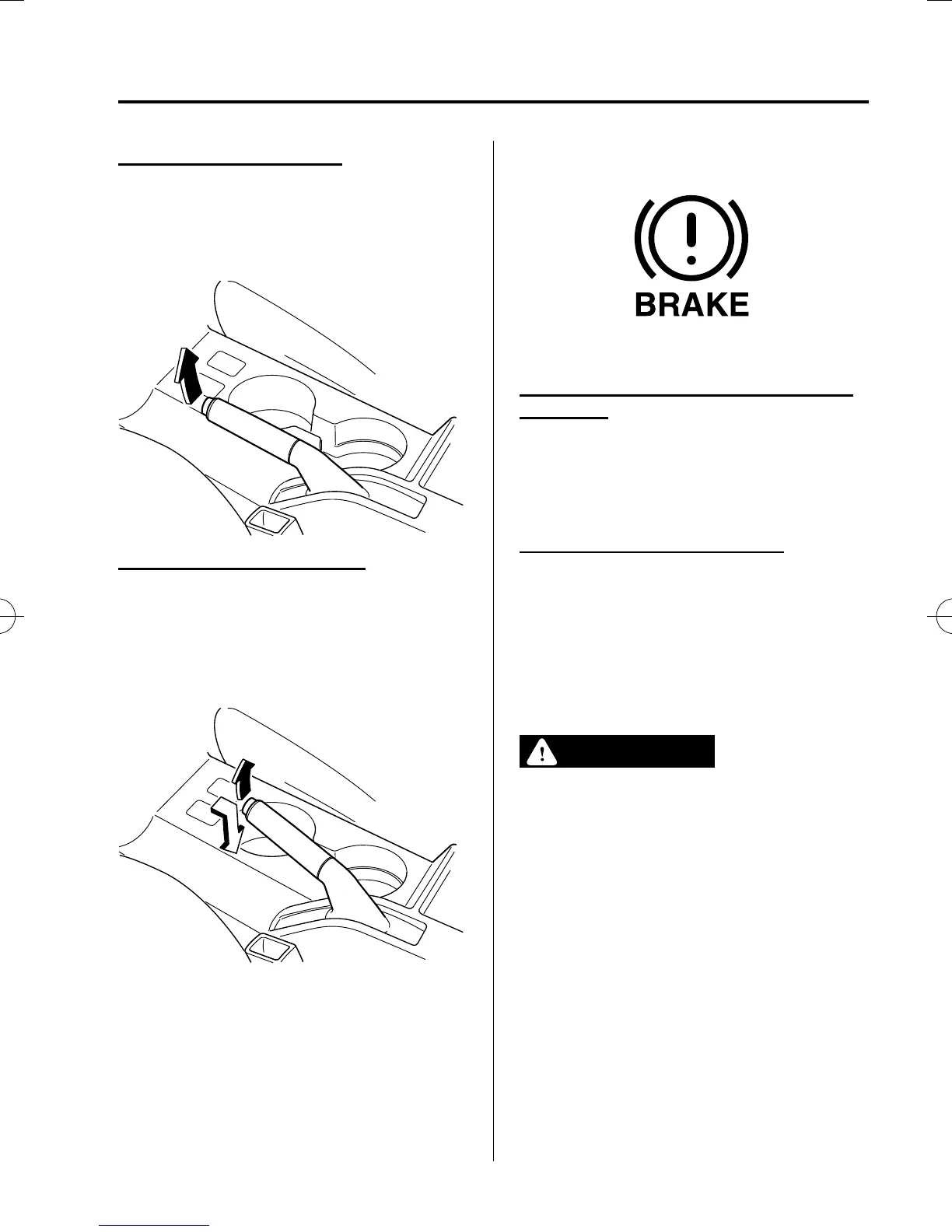
Setting the parking brake
Depress the brake pedal and then firmly
pull the parking brake lever fully upwards
with sufficient force to hold the vehicle in
a stationary position.
Releasing the parking brake
Depress the brake pedal and pull the
parking brake lever upwards, then press
the release button. While holding the
button, lower the parking brake lever all
the way down to the released position.
qBrake System Warning Light
This warning has the following functions:
Parking brake warning/Warning light
inspection
The light illuminates when the parking
brake is applied with the ignition switched
to START or ON. It turns off when the
parking brake is fully relea sed.
Low brake fluid level warning
If the brake warning light remains
illuminated even though the parking brake
is released, the brake fluid may be low or
there could be a problem with the brake
system. Park the vehicle in a safe place
immediately and contact an Authorized
Mazda Dealer.
WARNING
Do not drive with the brake syste m
warning light illuminated. Contact an
Authorized Mazda Dealer to have the
brakes inspected as soon as possible:
Driving with the brake system
warning light illuminated is
dangerous. It indicates that your
brakes may not work at all or that
they could completely fail at any
time. If this light remains
illuminated, after checking that the
parking brake is fully released, have
the brakes inspected immediately.
Driving Your Mazda
Starting and Driving
5-7
Mazda5_8FA7-EA-15G_Edition3 Page133
Friday, December 4 2015 8:26 AM
Form No.8FA7-EA-15G







 To Next Page