Black plate (207,1)
Antenna
qDetachable Type
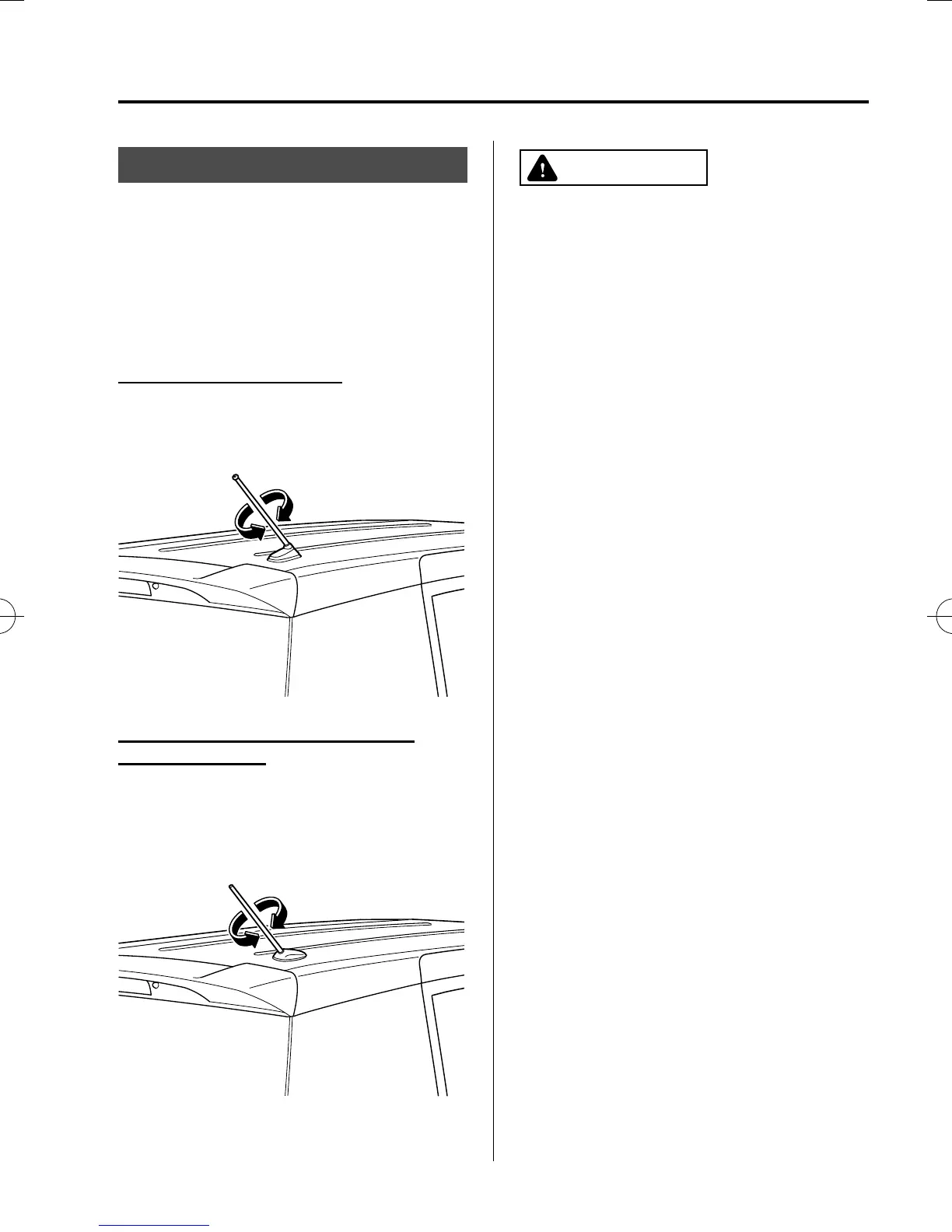
To remo ve the antenna, turn it
counterclockwise.
To inst all the antenna, turn it clockwise.
Make sure the antenna is securely
installed.
AM/FM Radio Antenna
í
The AM/FM radio antenna receives both
AM and FM signals.
Install
Remove
Antenna for AM/FM and Satellite
Radio Ante nna
í
The antenna for AM/FM and satellite
radio antenna receives both AM and FM
signals and SIRIUS signals.
Install
Remove
CAUTION
Ø To prevent damage to the
antenna, remove it before entering
a car wash facility or passing
beneath a low overhead clearance.
Ø Be careful around the antenn a
when removing snow from the
roof. Otherwise the antenna could
be damaged.
NOTE
When leaving your vehicle unattended, we
recommend that you remove the antenna and
store it inside the vehicle.
Interior Comfort
Audio System
6-11
í
Some models.
Mazda5_8FA7-EA-15G_Edition3 Page207
Friday, December 4 2015 8:26 AM
Form No.8FA7-EA-15G







 To Next Page