Driving
Y
our Mazda
5-102
t SEEK function in CD mode*
Press
A to
seek to the previous track
on
the disc.
Press
" to
seek to the next track on the
disc. After the last track has been com-
pleted, the first track of the disc will
automatically replay.
*Some models.
t SCAN function in radio mode*
The SCAN control function is available
on
all audio systems except the AM/FM
radio.
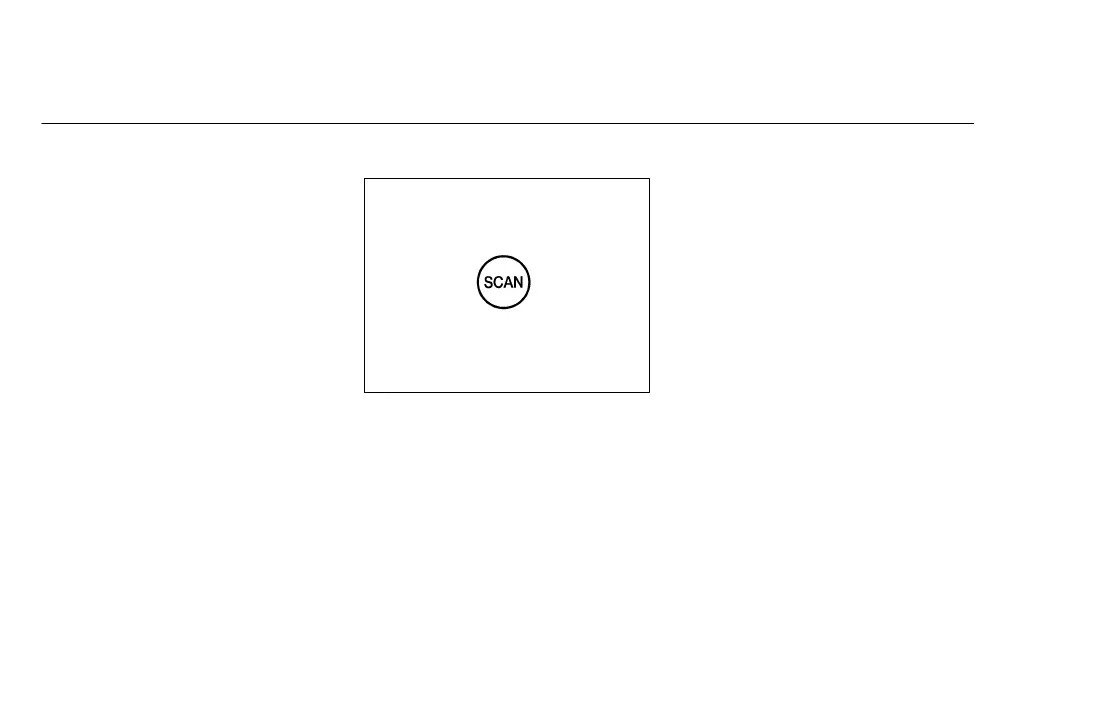
Press the SCAN control to hear a brief
sampling of all listenable stations on
the frequency band. Press the control
again to stop the scan mode.
t SCAN function in tape mode*
If you have an AM/FM radio with cas-
sette and CD player, press the SCAN
control to hear a short sampling of all
selections
on the tape. (The tape scans in
a forward direction. At the end of the
tape’s first side, direction automatically
reverses
to the opposite side of the tape.)
To stop on a particular selection, press
the control again.
t SCAN function in CD mode*
Press the SCAN control to hear a short
sampling of all selections on the CD.
(The CD scans in a forward direction,
wrapping back to the first track at the
end of the CD.) To stop on a particular
selection, press the control again.


 To Next Page
 Loading...