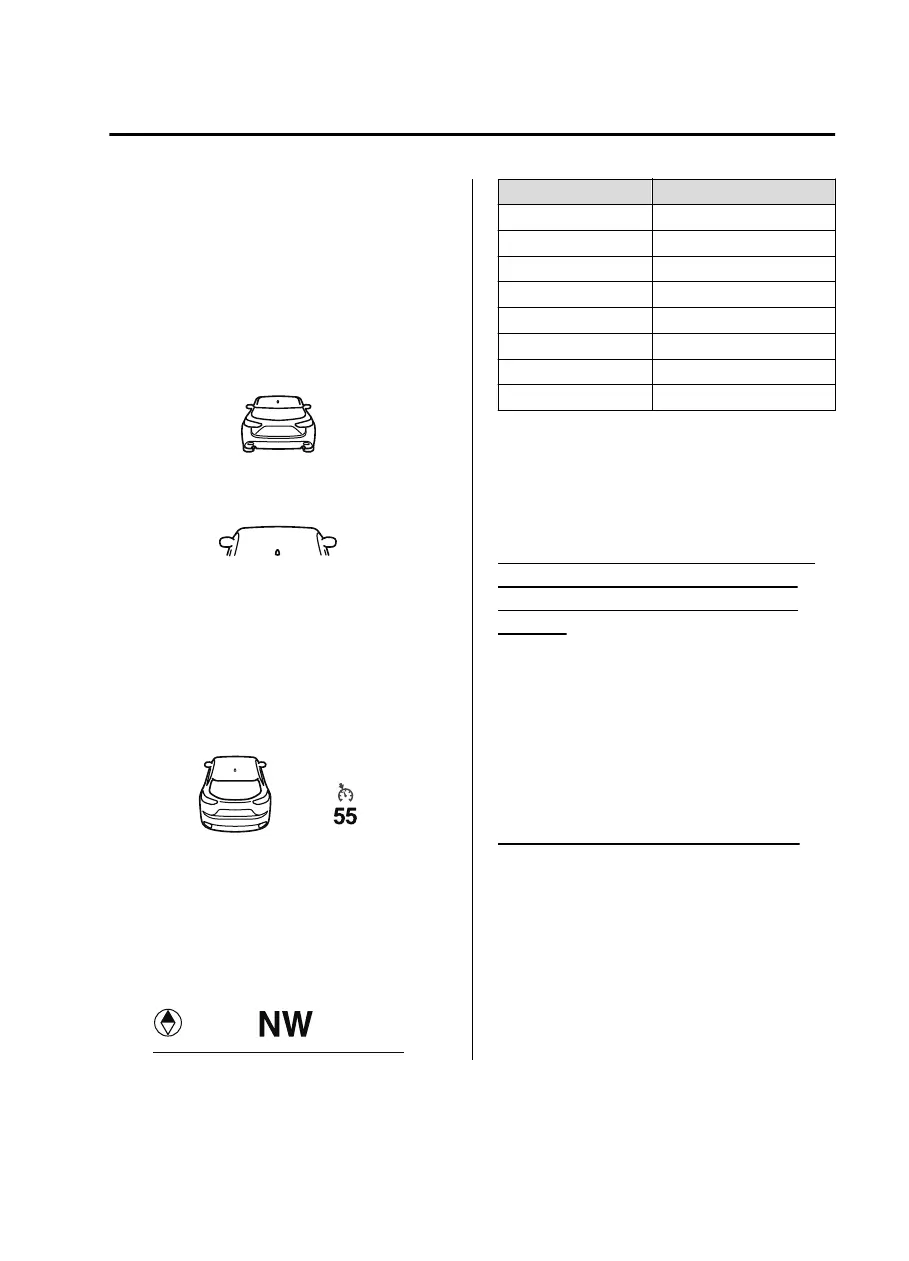
Refer to Mazda Radar Cruise Control with
Stop & Go function (MRCC with Stop &
Go function) on page 4-143.
▼
Distance Recognition Support
System (DRSS) Display
*
Displays the distance between your
vehicle and the vehicle ahead.
Refer to Distance Recognition Support
System (DRSS) on page 4-133.
▼
Cruise Control Set Vehicle Speed
Display
*
The vehicle speed preset using the cruise
control is displayed.
Refer to Cruise Control on page 4-247.
▼
Compass Display
The direction the vehicle is moving is
displayed in one of eight directions while
the vehicle is being driven.
Display Direction
NNorth
SSouth
EEast
WWest
NE Northeast
NW Northwest
SE Southeast
SW Southwest
▼
Message Display
A message such as the system operation
status, a malfunction, or an abnormality is
indicated.
Warning/indicator light in instrument
cluster turns on/flashes or symbol is
indicated on display at same time as
message
Check the information regarding the
warning/indicator light or indicated
symbol.
Refer to If a Warning Indication/Warning
Lights on page 4-38.
Refer to If a Indication/Indicator Lights on
page 4-40.
Message only is indicated on display
Follow the instructions indicated on the
display. For the display content, refer to
the next page.
Refer to If a Message Indicated on
Multi-information Display on page 7-45.
When Driving
Instrument Cluster and Display
*Some models.
4-37
CX-9_8JK1-EA-20G_Edition2_old 2020-7-20 17:31:45



 To Next Page