If the vehicle's front, side, or rear has been involved in a collision, the alignment of the
rear view parking camera (location, installation angle) may have deviated. Always
consult an Authorized Mazda Dealer to have the vehicle inspected.
If “No Video Signal Available” is indicated in the display, there could be a problem with
the camera. Have your vehicle inspected at an Authorized Mazda Dealer.
▼
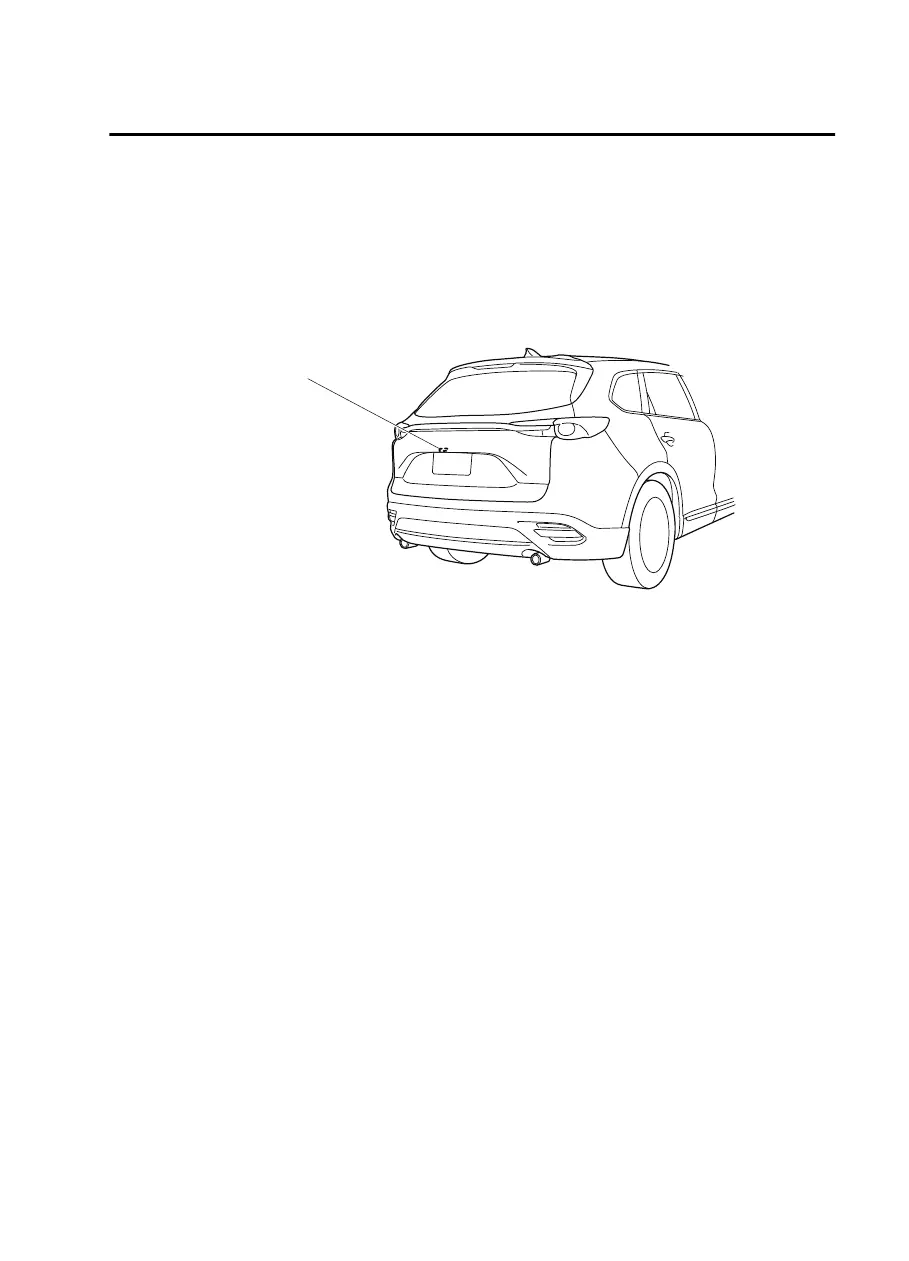
Rear View Parking Camera Location
Rear view parking camera
▼
Switching to the Rear View Monitor Display
Shift the selector lever to reverse (R) position with the ignition switched ON to switch the
display to the rear view monitor display.
NOTE
When the selector lever is shifted from reverse (R) position to another selector lever
position, the screen returns to the previous display.
When Driving
Rear View Monitor (Mazda Connect (Type A))
4-257
CX-9_8JK1-EA-20G_Edition2_old 2020-7-20 17:31:45



 To Next Page