Black plate (293,1)
NOTE
l
It may not be possible to play a Bluetooth
audio device if it is placed anywhere
transmission is compromised, such as
inside a metal container or the trunk. Move
the Bluetooth audio device to a location
where transmission is possible.
l
Battery consumption of Bluetooth audio
devices is higher while Bluetooth-
connected.
l
If a non-Bluetooth device is to be used, a
commercially-available Bluetooth adapter
is required. When playing an audio device
with a Bluetooth adapter installed,
programming of the audio device may not
be possible or audio may not be heard from
the vehicle speakers if the connection of the
adapter and the device is poor. If this
happens, check if the Bluetooth adapter is
properly connected.
qBluetooth Audio Preparation
Bluetooth audio device set-up
Bluetooth audio programming, changes,
deletions, and display of programmed
device information can be performed.
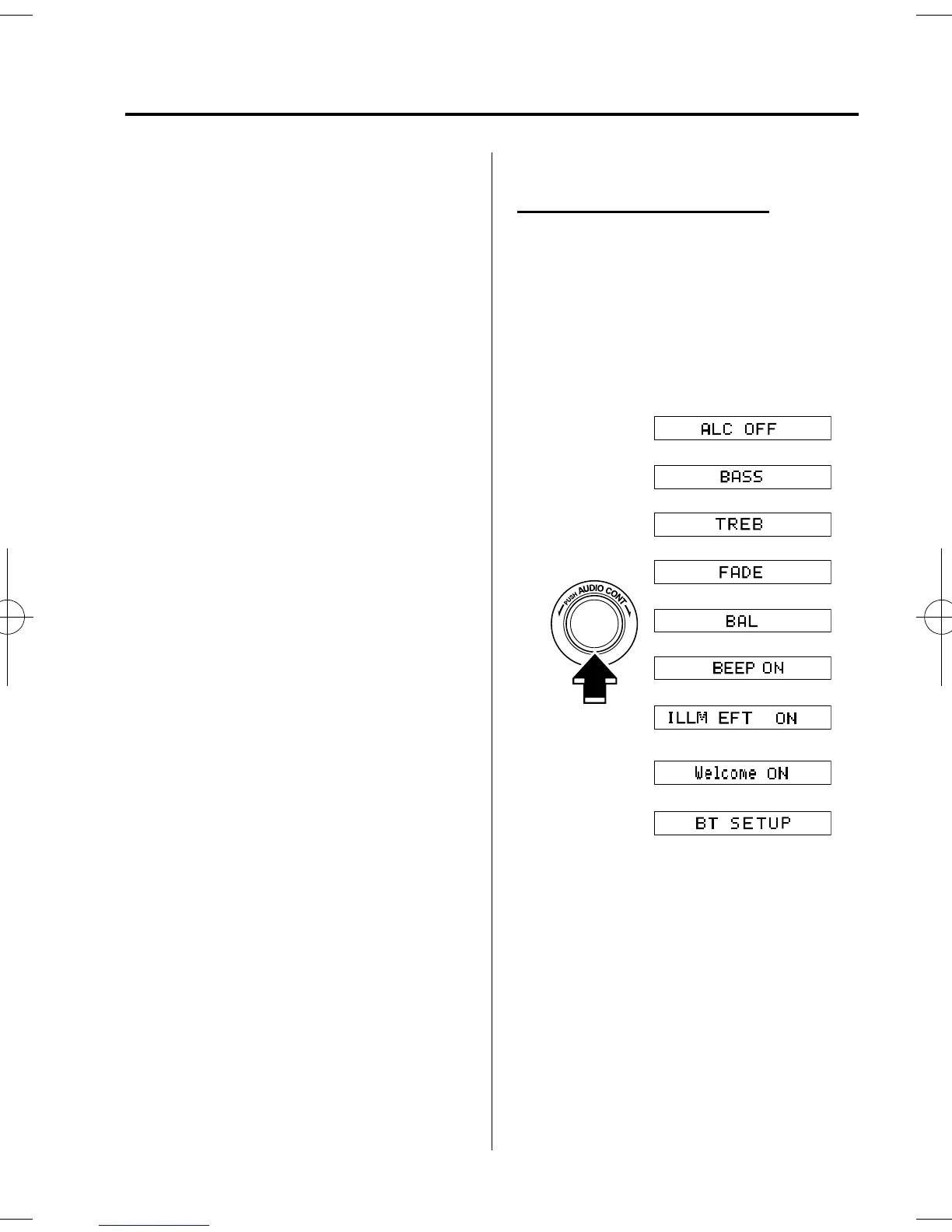
1. The mode changes as follows each
time the audio control dial is pressed.
Select “ BT SETUP”.
Standard audio-equipped model
*
*
*
*
Interior Comfort
Bluetooth Audio
6-63
Mazda3_8AR2-EC-09E_Edition1 Page293
Thursday, April 9 2009 4:10 PM
Form No.8AR2-EC-09E












 To Next Page