4
–
23
When Driving
Instrument Cluster and Display
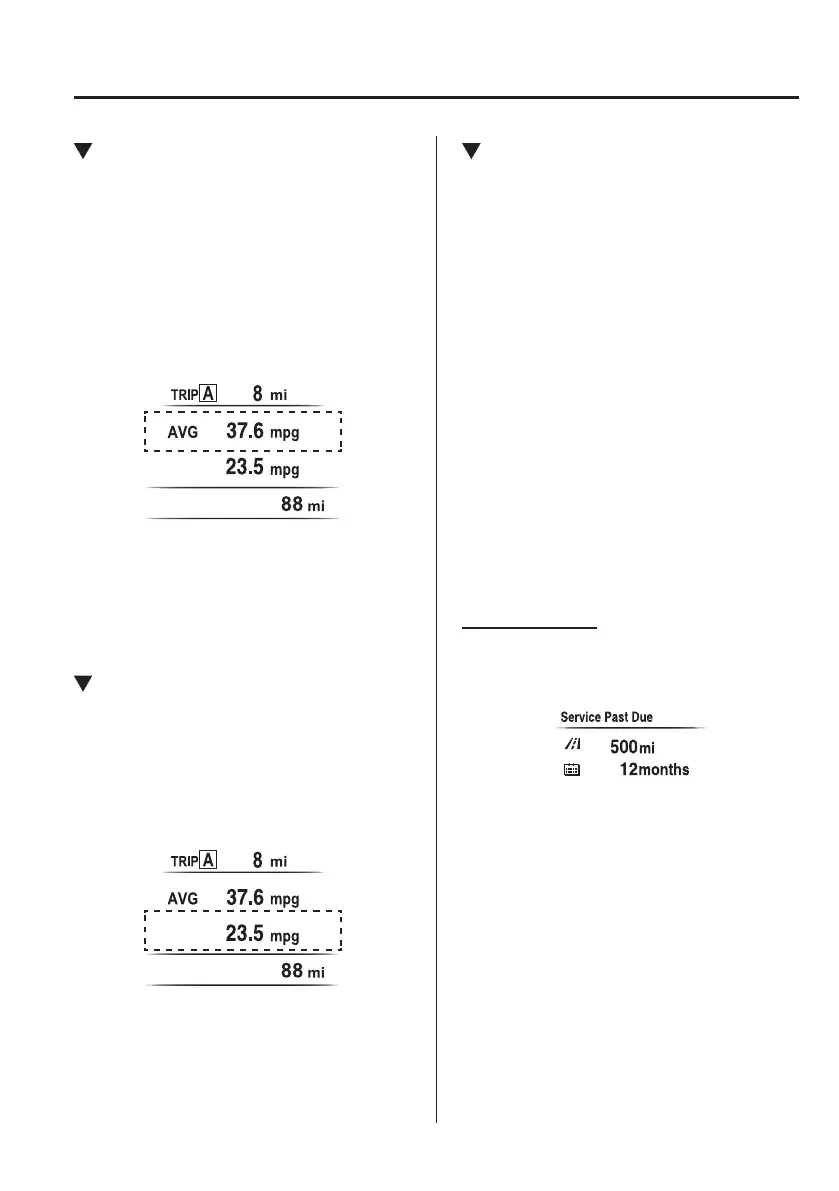
Average Fuel Economy
This mode displays the average fuel
economy by calculating the total fuel
consumption and the total traveled
distance since purchasing the vehicle, re-
connecting the battery after disconnection,
or resetting the data.
The average fuel economy is calculated
and displayed every minute.
To clear the data being displayed, press the
INFO switch for more than 1.5 seconds.
After pressing the INFO switch,
- - - L/100 km (- - - mpg) will be displayed
for about 1 minute before the fuel
economy is recalculated and displayed.
Current Fuel Economy
This displays the current fuel economy
by calculating the amount of fuel
consumption and the distance traveled.
Current fuel economy will be calculated
and displayed every two seconds.
When you've slowed to about 5 km/h
(3 mph), - - - L/100 km (- - - mpg) will be
displayed.
Maintenance Monitor
The following maintenance period
notications can be displayed by turning
the Maintenance Monitor on.
Scheduled Maintenance
Tire Rotation
Oil Change
For the setting method and indications
for the maintenance monitor, refer to the
Maintenance Monitor.
Refer to Maintenance Monitor on page
6-20.
The maintenance monitor displays the
information when the ignition is switched
ON.
NOTE
This function is inoperable while the
vehicle is being driven.
Message display
When the remaining time or the distance
approaches 0, a message is displayed each
time the ignition is switched ON.
MX-5_8FR4-EA-16J_Edition1.indb 23 2016/08/11 20:28:46













 To Next Page