5
–
127
Interior Features
Bluetooth
®
Icon Function
Plays the station. Select it again to pause playback.
Goes to the next station.
Displays sound settings to adjust audio quality level.
Refer to Volume/Display/Sound Controls on page 5-40.
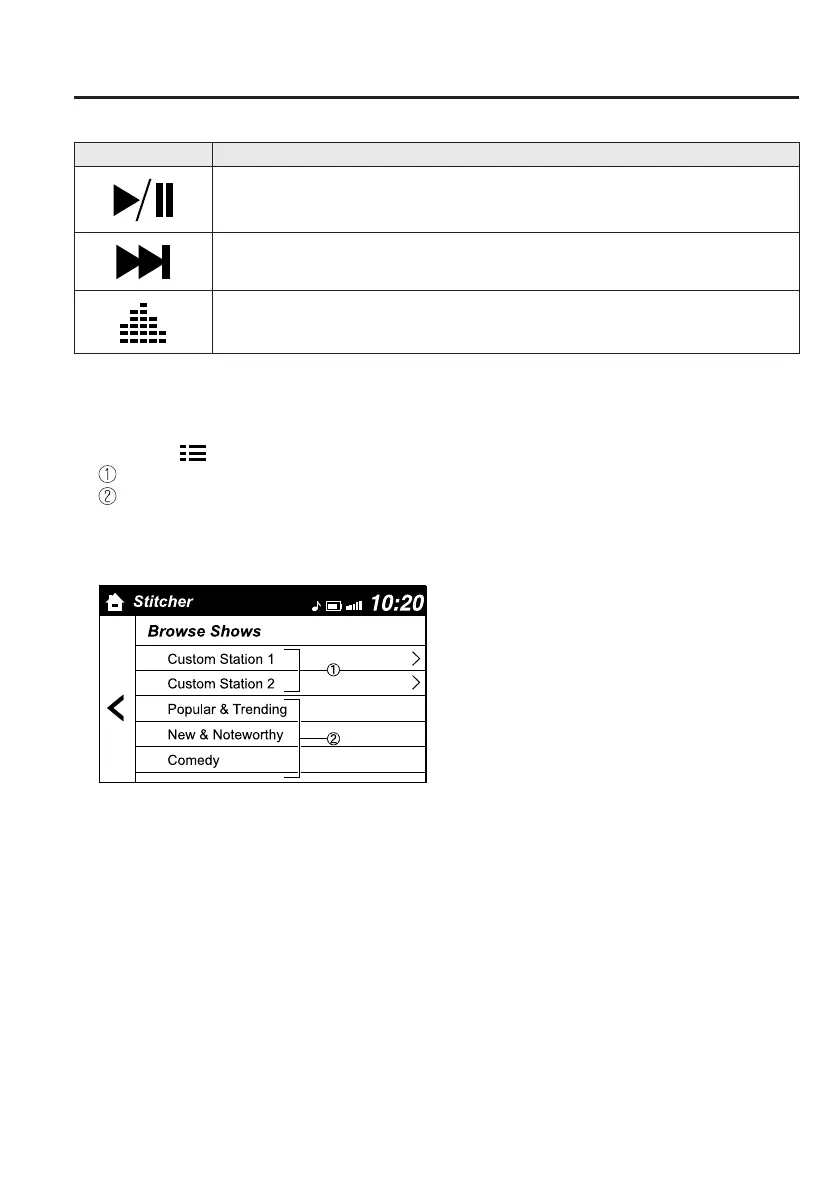
Station list
1. Select the icon to display the station list.
Favorites station name: Select to display the program registered to your favorites.
Category name: A recommended category selected from your favorites by Stitcher™
is displayed.
Select it to display the category program.
2. Select the program name to play it.
MX-5_8FR4-EA-16J_Edition1.indb 127 2016/08/11 20:29:33













 To Next Page