Driving Your Mazda
Inserting CDs into desired tray
L Pr€ss and hold the load
button for
aboul2 seconds until a be€p is heaid.
2. Press tbe channel
preset
button for the
desired tray number within
5 seconds
after the beep is h€ard.
3.
Wlen
"ln" is displayed, inserl the
CD.
NOTE
The CD can not be inserled to
the
desired tray nurnber if
the
number is
already occupied.
V
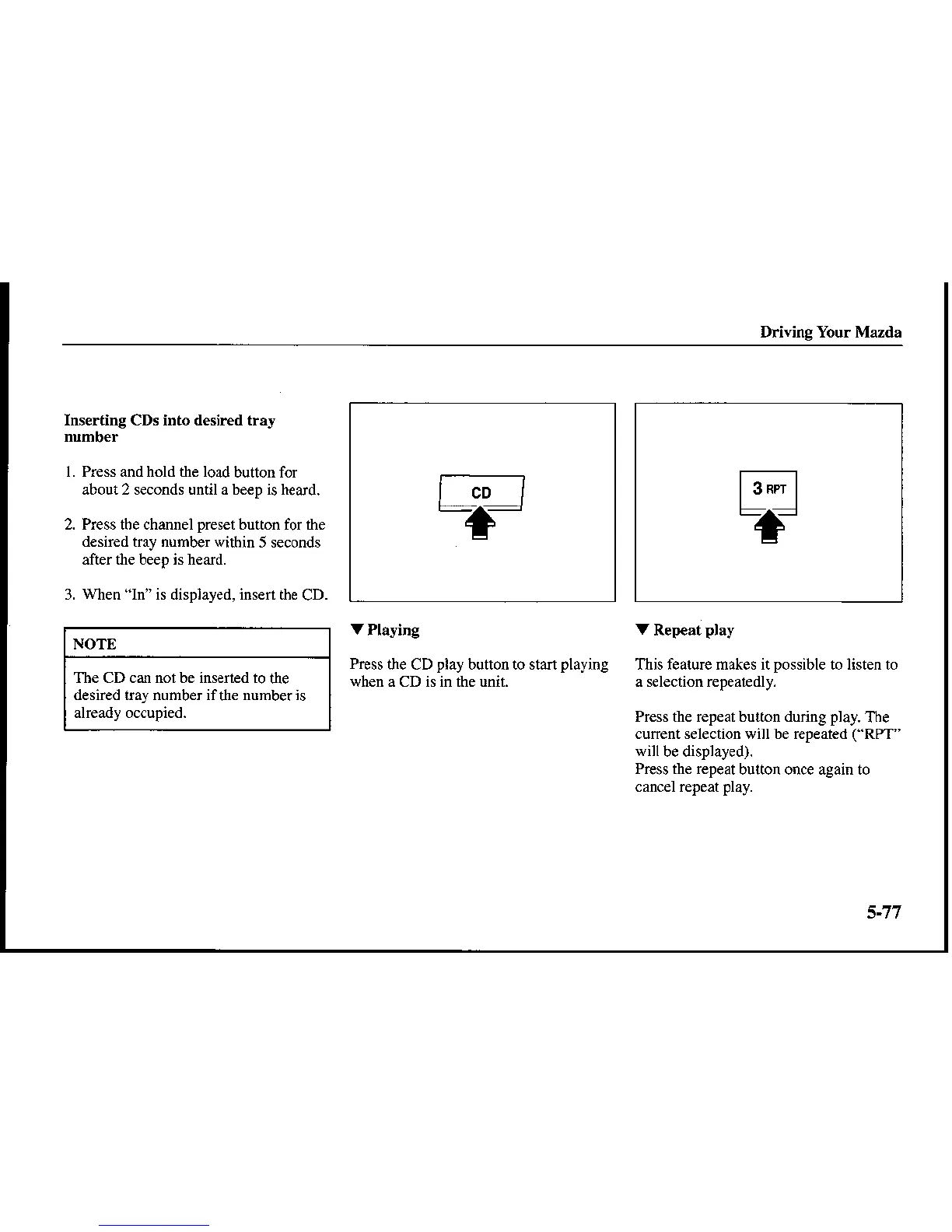
Playing
Press
the CD
play
button to stanplaying
when a CD is in the unit.
V
Repeat
play
This feaiure makes itpossible to listen to
a selection r€peairedly.
Press the repeat bulton during
play.
The
cunenr selection will be repeated
c'RPr"
will
be displayed).
Press the repeat
button once again to
cancel repeat
play.
T----t
L---J
-+-
F]
-f










 To Next Page