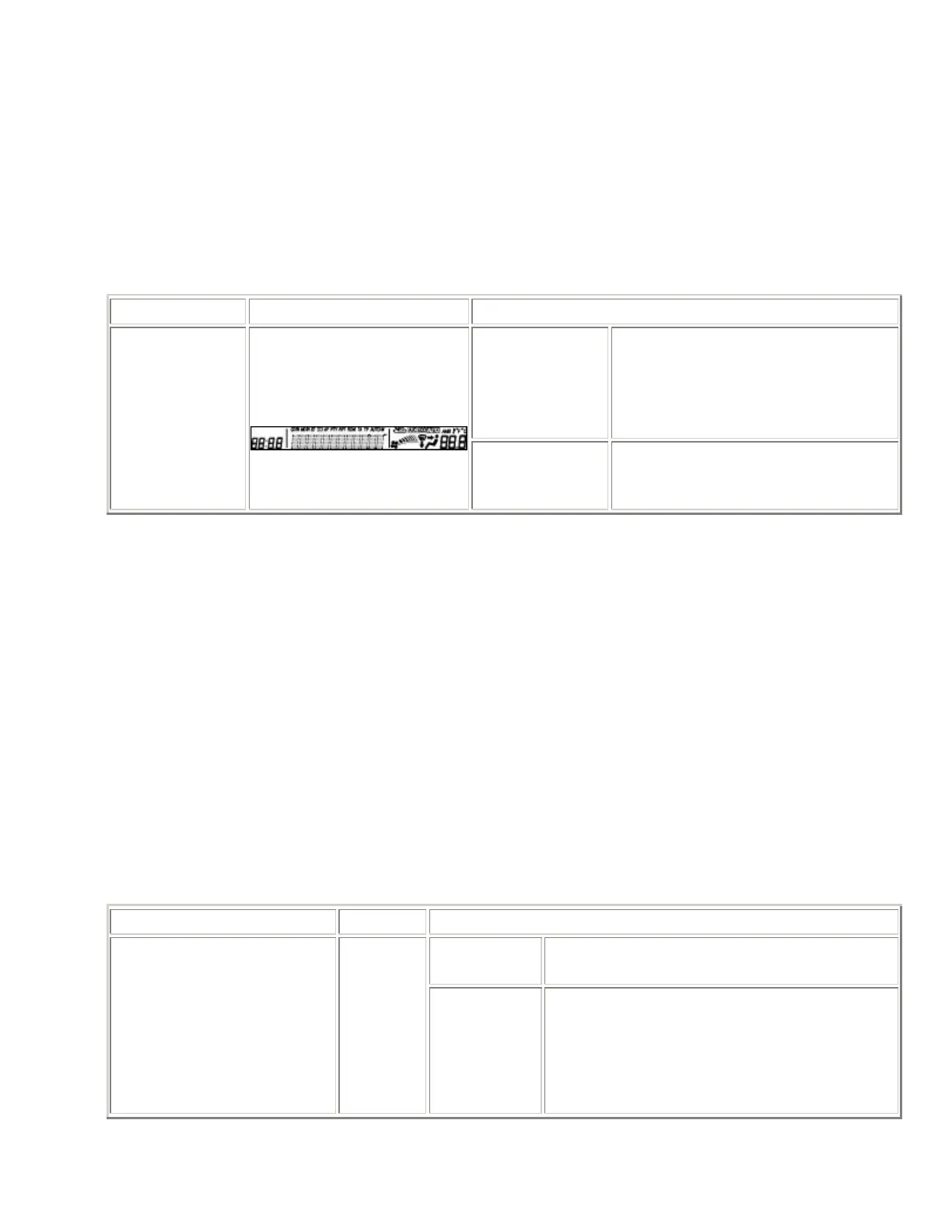
LCD Inspection
1. With the audio power on, press the POWER button and simultaneously press the SEEK button (upper)
for approx. 1 s .
2. Inspect according to the following table:
INSPECTION DISPLAY ACTION
The characters
displayed on the
LCD are not
truncated or
faint.
The LCD is normal.
Start the LCD
inspection mode.
Except above
Replace the base unit. (See AUDIO
UNIT
DISASSEMBLY/ASSEMBLY .)
3. Turn the audio off or the ignition switch to the LOCK position to stop the diagnostic assist function.
Button Inspection
1. With the audio power on, press the POWER button and simultaneously press the CLOCK button for
approx. 1 s .
2. Inspect according to the following table:
INSPECTION DISPLAY ACTION
The buzzer
sounds.
The button is normal.
• Start the
button inspection
mode.
• Press all
buttons.
The buzzer
does not
sound.
Replace the base unit. (See AUDIO UNIT
DISASSEMBLY/ASSEMBLY .)



 To Next Page