INFORMATION DISPLAY
INFORMATION DISPLAY REMOVAL/INSTALLATION
1. Disconnect the negative battery cable.
2. Remove the lower panel.(See LOWER PANEL REMOVAL/INSTALLATION .)
3. Remove the console.(See CONSOLE REMOVAL/INSTALLATION .)
4. Remove the center panel module.(See CENTER PANEL MODULE REMOVAL/INSTALLATION .)
5. Remove the LCD unit.(See LCD UNIT REMOVAL/INSTALLATION .)
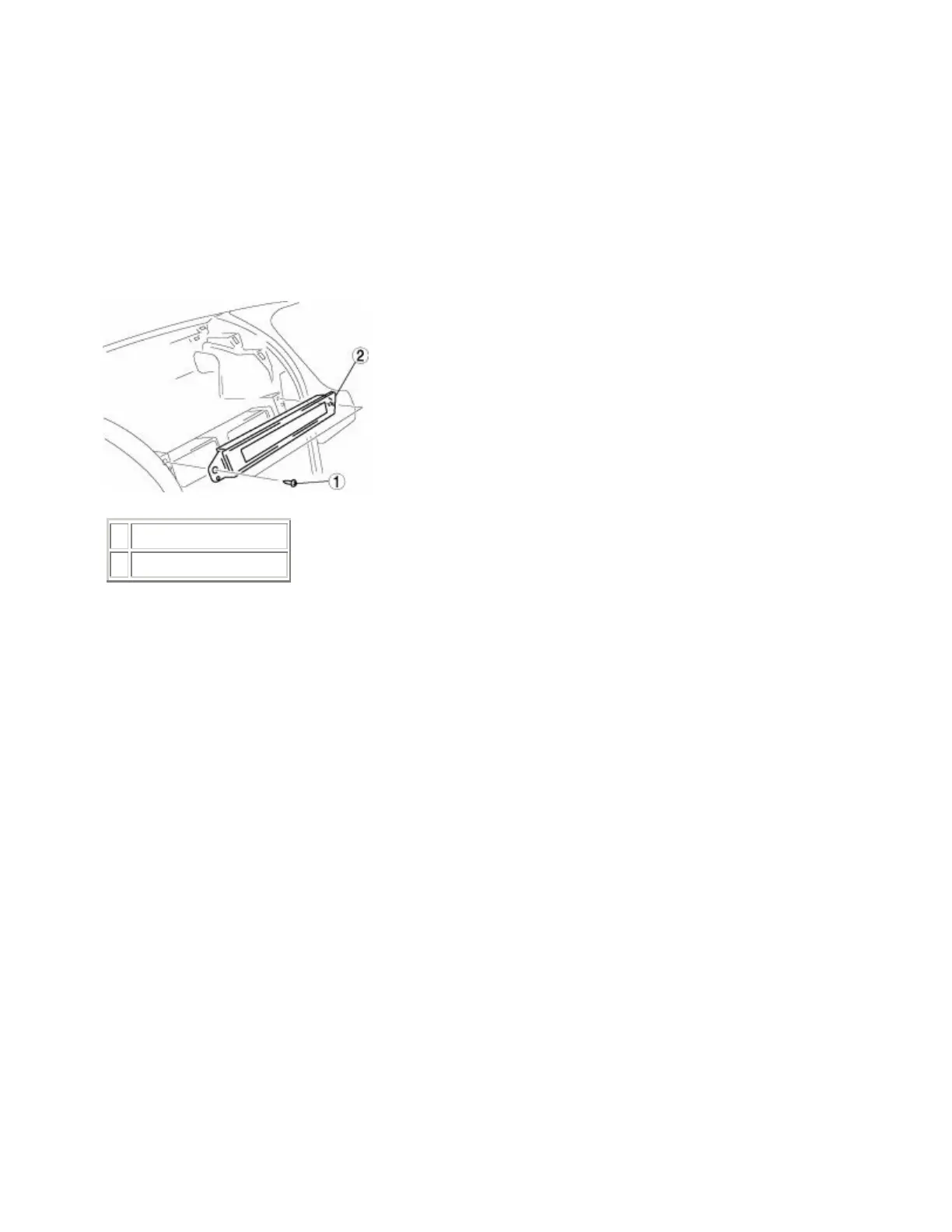
6. Remove in the order indicated in the table.
1 Screw
2 Information display
7. Install in the reverse order of removal.



 To Next Page