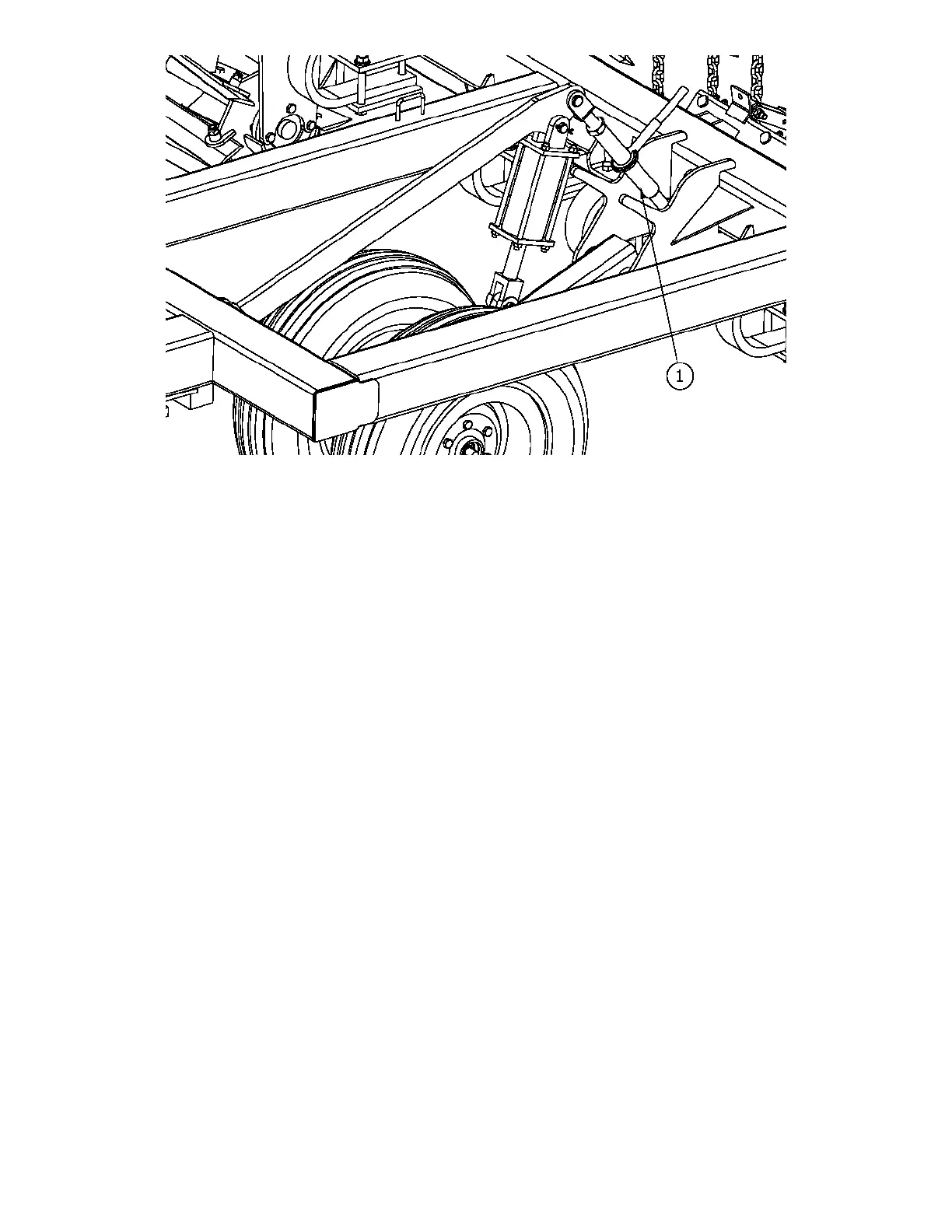
10
Figure 2
Setting disk gang depth (figure 3)
Adjust the hitch turnbuckle (1) with the turnbuckle wrench (2) provided to level the unit from front to
back. This ensures that the disk gang is set at the same depth as the spiral reels. Make a note of the mark
on the depth gauge (3) that is located on the turnbuckle lock (4).
Use the turnbuckle wrench (2) to adjust the hitch turnbuckle (1) to raise or lower the disk gangs. Each
mark on the depth gauge represents a 1” change in disk depth.
*It is not recommended that the disk gangs be run deeper than 4”. If more soil loosening is required,
increase the aggressiveness of the disk gang angle described in the next section.
Setting disk gang aggressiveness (figure 3)
Lower the unit until the disk gang contacts the ground. Remove the two bolts (5) that secure the outside
end of the disk gang.
Pivot the disk gang forward or backward to change the amount of soil the disk gang moves. Forward
will produce more loose soil while backward will produce less. Use the number markings to ensure that
all gangs are set to the same angle.
After all disk gangs have been set to the same angle, replace the two bolts (5) that secure the outside of
the disk gang.
* It is recommended that the disk gang angle number 2 be used first. After running the unit, increase the
aggressiveness of the disk gangs to loosen more soil.
* It may be necessary to reduce speed at the steeper gang angles to prevent ridging.




 To Next Page