Commissioning
Continue the Installation with the instructions of
your LoRaWAN® Network provider.
2
1
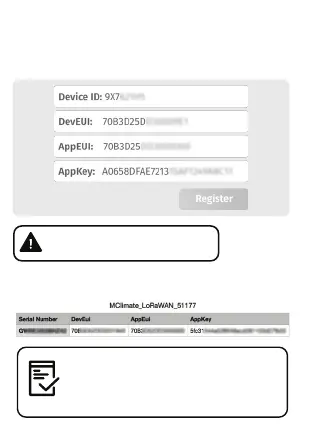
You can get DevEUI, AppEUI (JoinEUI) &
AppKey information from the LoRaWAN®
credentials .csv file we sent you with the
fulfillment confirmation.
Open your LoRaWAN® Network provider access panel
and add the device using the supplied Serial Number,
DevEUI, AppEUI (JoinEUI) and AppKey.
The data is example. Do not use.
7


 To Next Page