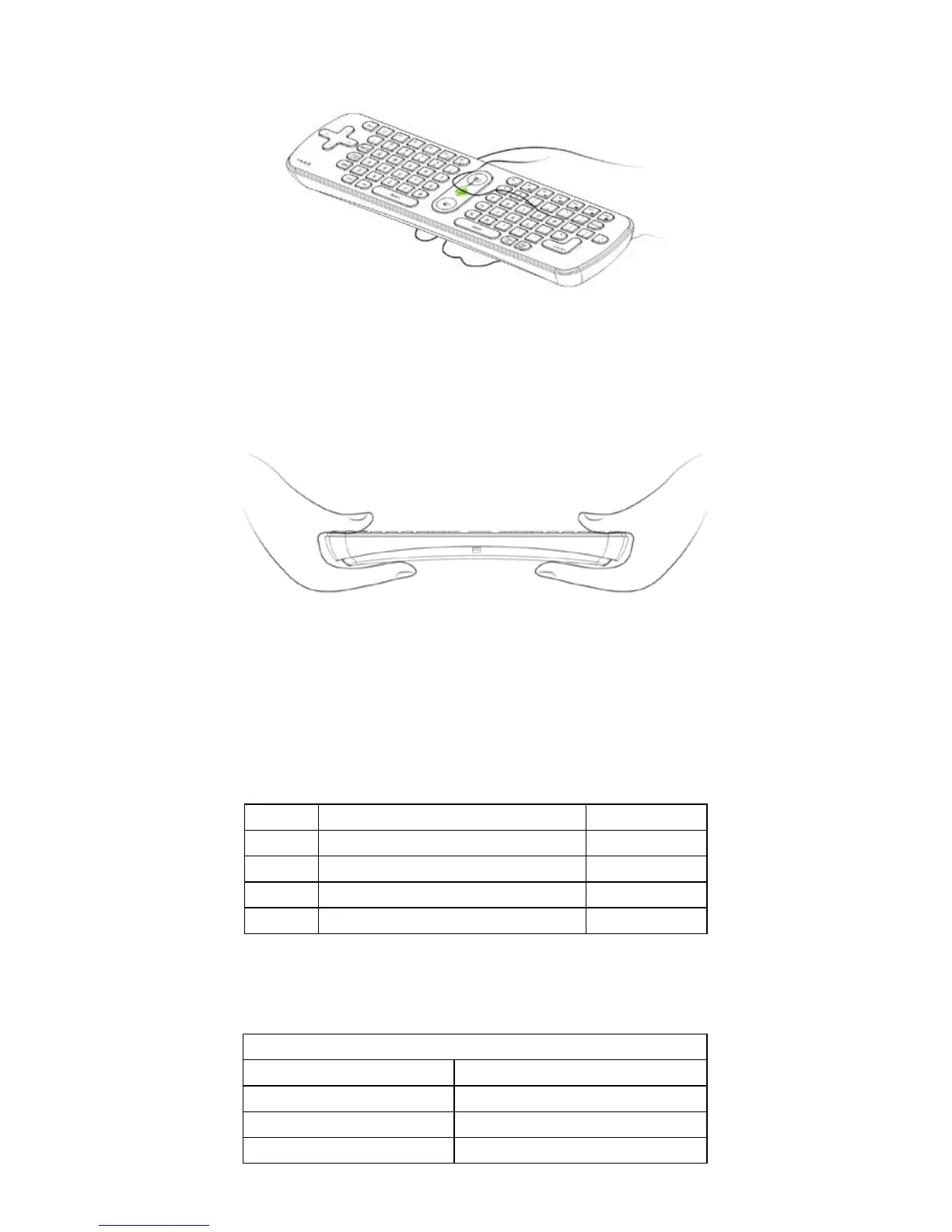
2. Using of the wireless keyboard:
When moving the cursor to the specified location, pressing the locating
key of the mouse one time, the cursor will be locked. Turning the air
mouse 90 degrees counter-clockwise, holding both ends of the air mouse
with your hands , then you can use the keyboard to enter any characters
freely
.
VIII. Instruction of the LED light state:
1. It means that it connects failed when the LED of the air mouse flashes,
2. The LED keep lighting, means connect well and can work.
3. Press any button, the LED light will flash once.
NO. Name Quantity(pc)
1 Wireless keyboard 1
2 USB receiver 1
3 User Manual 1
4 Repairing card 1
X.Product Specifications:
RF radio frequency 2.4G RF
Power AAA Batteries.5V
Buttons life 1500,000 times
Main components Remote control+ USB receiver


 To Next Page