EasyManua.ls Logo

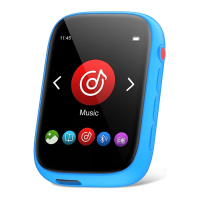
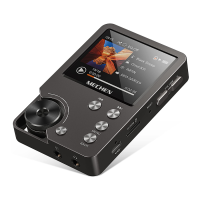
MECHEN D26 - Quick Guide; Device Functions; Power and Reset; Touch Control

MECHEN D26
7 pages
Print Icon
To Next Page IconTo Next Page
To Previous Page IconTo Previous Page
Loading...
Connect
the
device
to
a
running
computer
via
the
included
USB
cable.
Note:
To
prevent
battery
deterioration,
you
are
supposed
to
charge
the
battery
at
least
once
a
year.
Quick
Guide
Multi-functions
Music,
Bluetooth,
FM
radio,
Recordings,Pedometer,
Setting,
Folder,
Alarm,
Stopwatch,Calendar,
Pictures,
E-book
Power
on,
off
Long
press
the
power
button
for
3
seconds
to
turn
on
/
off
the
player.
Reset
Long
press
the
power
button
for
25
seconds
to
reset
this
unit.
Touch
Control
Easy
to
control
the
MP3
player
by
sliding
and
tapping
the
icons
on
the
screen.
Memory
Expansion
Support
up
to
128GB
TF
card.
Main
Functions
=
Music

Related product manuals