23
ITALIANO
Tabella allarmi display
Parametri installatore
Ai parametri installatore si accede premendo contemporaneamente i tasti 3 e 4 per 5.
Per scorrere ciclicamente i parametri premere il tasto P. Usare i tasti + e per modificare
il dato visualizzato. Per uscire premere contemporaneamente i tasti 3 e 4.
GB
IT
FR
ES
bOU/PrE.
PrE/UAS.
PrE/CUU
PrE/CUb
oPE/Pro
Pro/APE
Pro/oUU
Pro/AbI
boU/UP
UAS/ALt
CUU/HAU
CUb/Arr
boU/doU
UAS/bAS
CUU/bAS
CUb/AbA
tEn/FAI
MAn/tEn
AbS/CoU.
FAL/tEn.
InU/dEF
dIF/InU
dEF/ InU
dEF/ InU
N.
1
2
3
4
5
6
7
8
9
PARAMETRO
Lingua
Segnale comando inverter
Velocità massima a 20mA (o 10V) g/1'
Velocità minima a 4mA (o 0mA o 0V) g/1'
Velocità 1
Velocità 2
Velocità 3
Velocità 4
Controllo spostamento vasca
SCRITTA
LAn
Inv
MAr
Mir
Sp1
Sp2
Sp3
Sp4
ShC
RANGE
IT, GB, FR, SP
0÷20mA, 4÷20mA, 0÷10V
Mir ÷ 170
0 ÷ MAr
Mir ÷ MAr
Mir ÷ MAr
Mir ÷ MAr
Mir ÷ MAr
AUt/MAn
DEFAULT
GB
4÷20mA,
140
25
30
60
90
120
MAn
Regolazione luminosità
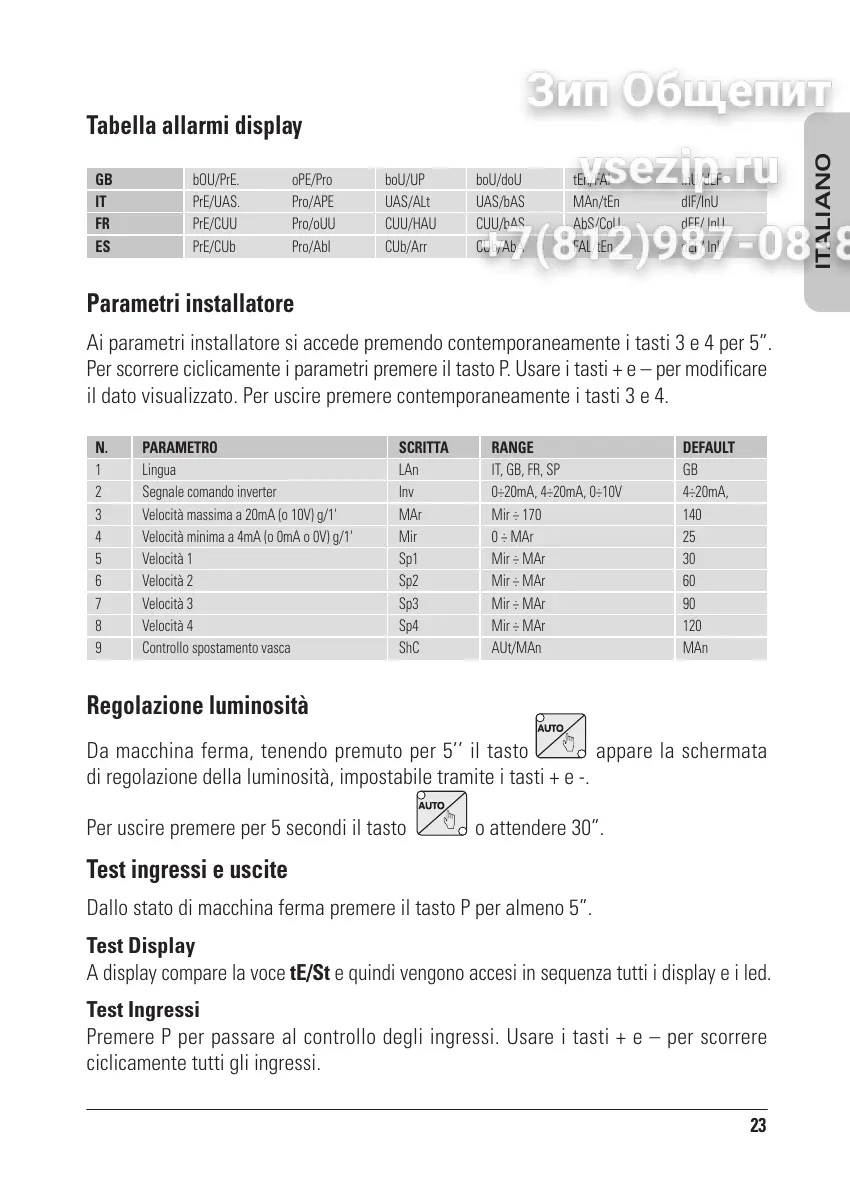
Da macchina ferma, tenendo premuto per 5 il tasto appare la schermata
di regolazione della luminosità, impostabile tramite i tasti + e -.
Per uscire premere per 5 secondi il tasto
o attendere 30.
Test ingressi e uscite
Dallo stato di macchina ferma premere il tasto P per almeno 5.
Test Display
A display compare la voce tE/St e quindi vengono accesi in sequenza tutti i display e i led.
Test Ingressi
Premere P per passare al controllo degli ingressi. Usare i tasti + e per scorrere
ciclicamente tutti gli ingressi.


 To Next Page
 Loading...