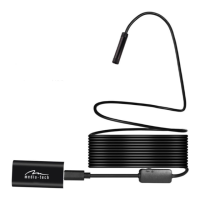
How to charge WiFi module
Connect the USB cord to the charging socket of WiFi module and connect to USB DC5V
power source.
Red light (4) ashing – charging.
Red light (4) keeps on – fully charged.
Using with smartphone
Step one:
Search for “HD Scope”, you can search manually in GooglePlay (Android platform) or AppSto-
re (iOS platform) or scan QRcode
Step two:
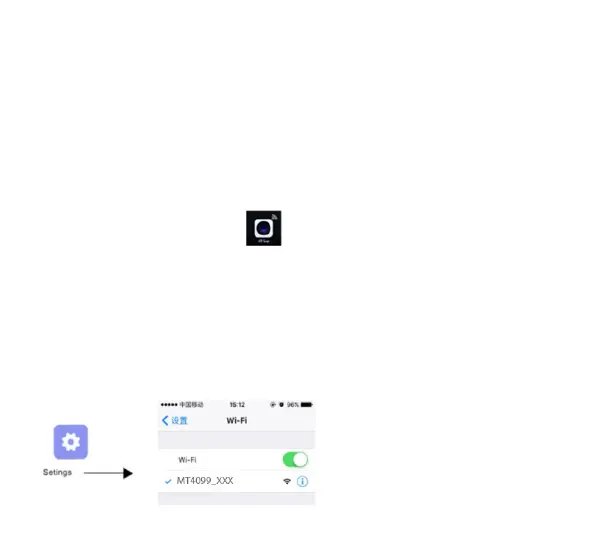
Install “HD Scope” app, then the icon will show on your phone.
Step three:
Press and hold power button until red and green LEDs are on, after 10seconds WiFi module is
ready to work, green LED will ash.
Step four:
Connect endoscope camera to camera input socket (2), turn on WiFi interface in your
smartphone, on the list select WiFi network named “MT4099_XXX”, smartphone will connect
without password.


 To Next Page
 Loading...