Step three:
Press and hold power button until red and green LEDs are on, after 10 seconds WiFi module
is ready to work, green LED will ash.
Step four:
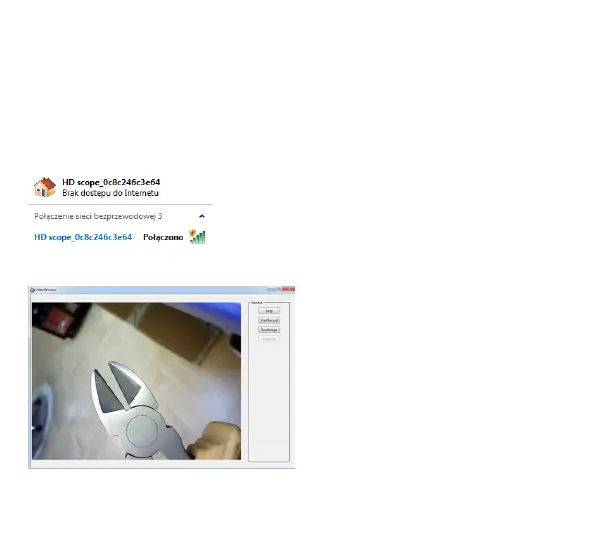
Connect endoscope camera to camera input socket (2), turn on WiFi interface in your PC
computer, refresh available WiFi networks, select “MT4099_XXX”, computer will connect
without password.
Step ve:
Run “WiFiCamera” app and use it.
Due to continuous development specication and appearance of product are subject to change
without prior notice. For technical support please visit www.media-tech.eu.


 To Next Page