MD 4302 BDA/UK 19.09.2002 13:54 Uhr Seite 2
C M Y CM MY CY CMY K
Name:
Normal pulse:
Lower pulse limit:
Upper pulse limit:
- 1 -
FLOW DIAGRAM
A
C
=Mode button
=Option button
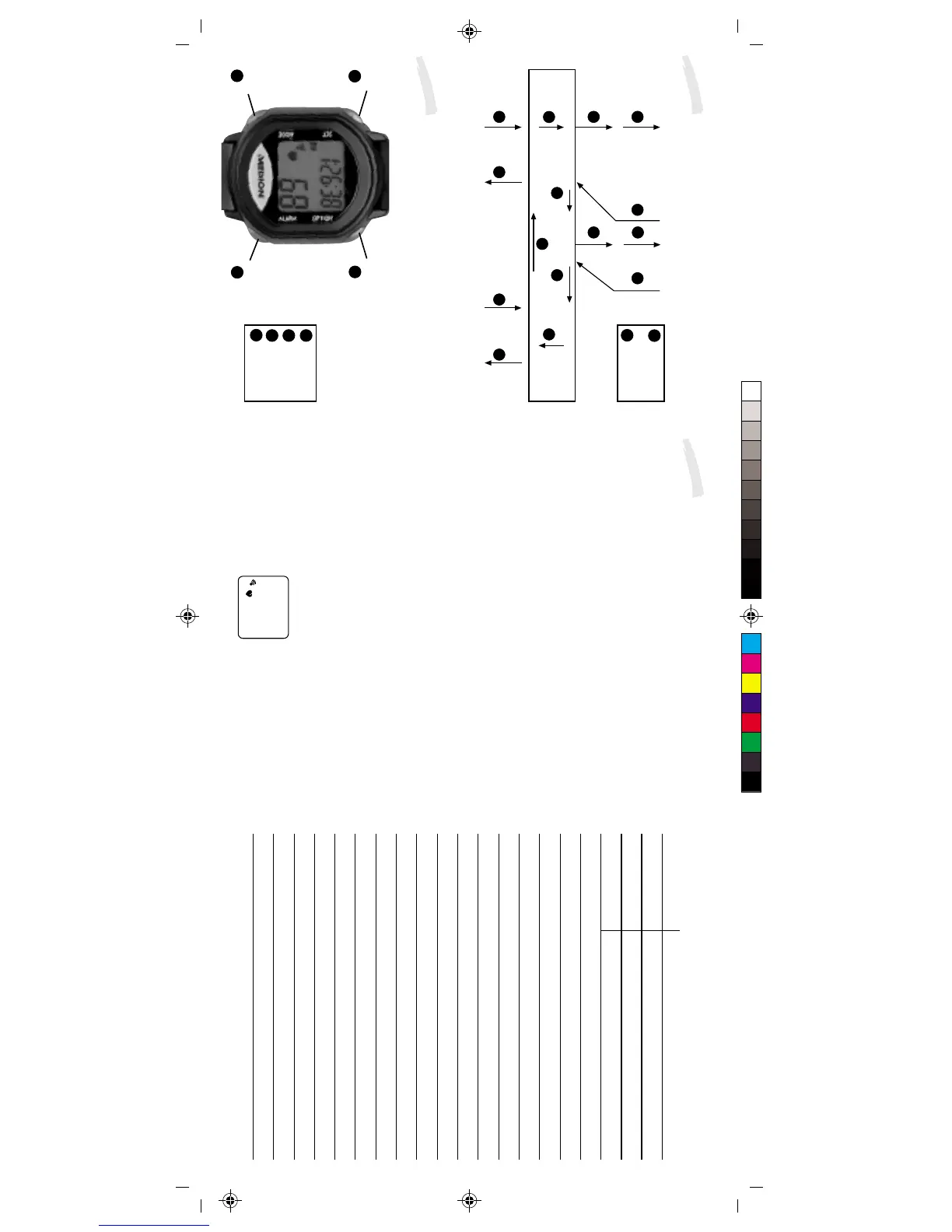
BUTTON FUNCTIONS
Your heart rate monitor has four functional buttons.
A
D
=Mode button
=Alarm button
B
=Set button
C
=Option button
Never activate the function buttons under water, as moisture can
then penetrate the housing.
The A mode button is used to switch between the different operating
modes. Press the mode button briefly to move from the time mode
into the training zone mode, the heart rate mode, kilocalorie mode,
training stopwatch mode and back to the time mode.
The B set button is used to set the upper and lower heart rate,
normal time, date, alarm time, countdown timer and calorie
consumption parameters. In addition, the set button is used for
starting the countdown function, training stopwatch function and
lap stopwatch function.
The C option button is used to switch between the individual options
in the respective operating modes as follows.
You can move from the normal time mode to the alarm mode, the
date mode and back to the normal time mode.
From the heart rate mode you can move from the average heart
rate to the max. heart rate and back to the average heart rate.
From the training stopwatch mode you can move into the countdown
mode, the lap stopwatch mode and back to the training stopwatch
mode.
The D alarm button is used to activate a beeper when the button
is touched or when you are no longer within the training range.
Touch the alarm button to activate/deactivate the beep. A sound
symbol appears in the display when the beeper is activated.
1
3
:
2
4
Set
Option
Mode
Alarm
A
B
C
D
BUTTON FUNCTIONS
LAP STOPWATCH MODE
COUNTDOWN MODE
TRAINING STOPWATCH MODE
KILOGRAM/CALORIE COUNTER
FAT BURNER MONITOR
TIME MODE TRAINING ZONE MODE
AVERAGE HEART RATE
MAXIMUM HEART RATE
A
C C
DATE MODE
ALARM MODE
C
C C
C
A A
A
C C C C
A
Mode
Alarm
Set
Option


 To Next Page
 Loading...