Getting Started
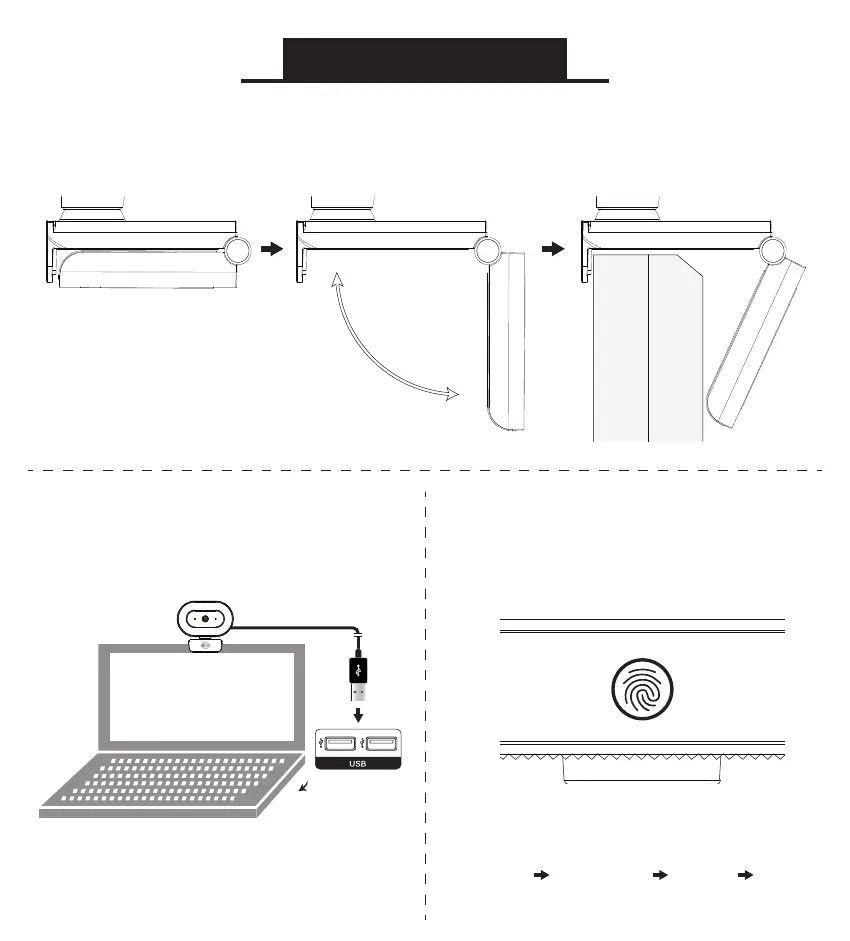
Open the base of the camera and mount it securely
on your monitor or laptop screen
Note: The camera can
also be placed on a desk
or mounted on a tripod
Connect your camera to
your computer’s USB port.
Using the Built-In LED Ring Light
Tap the touch panel on the
LED ring light to cycle modes
3 Light Levels:
Low Medium High Off



 To Next Page